How to view the attachment to the transaction
Last updated: July 9, 2026
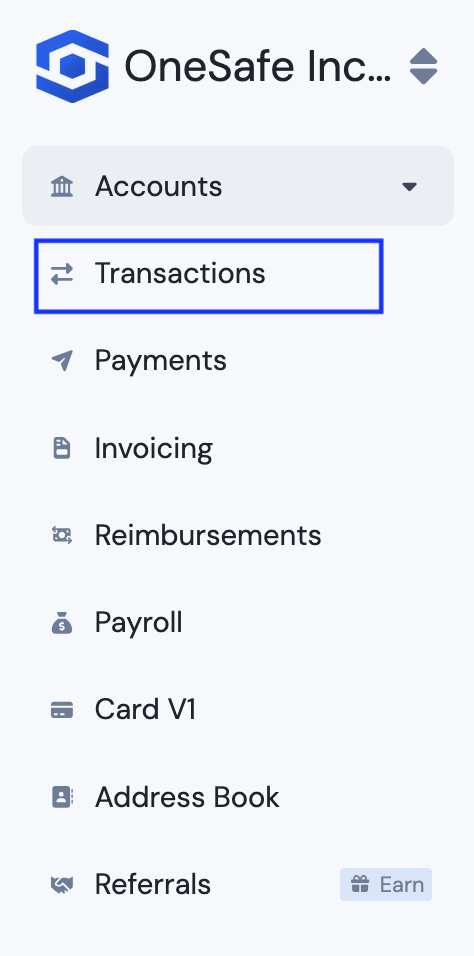
Go to transactions dashboard.
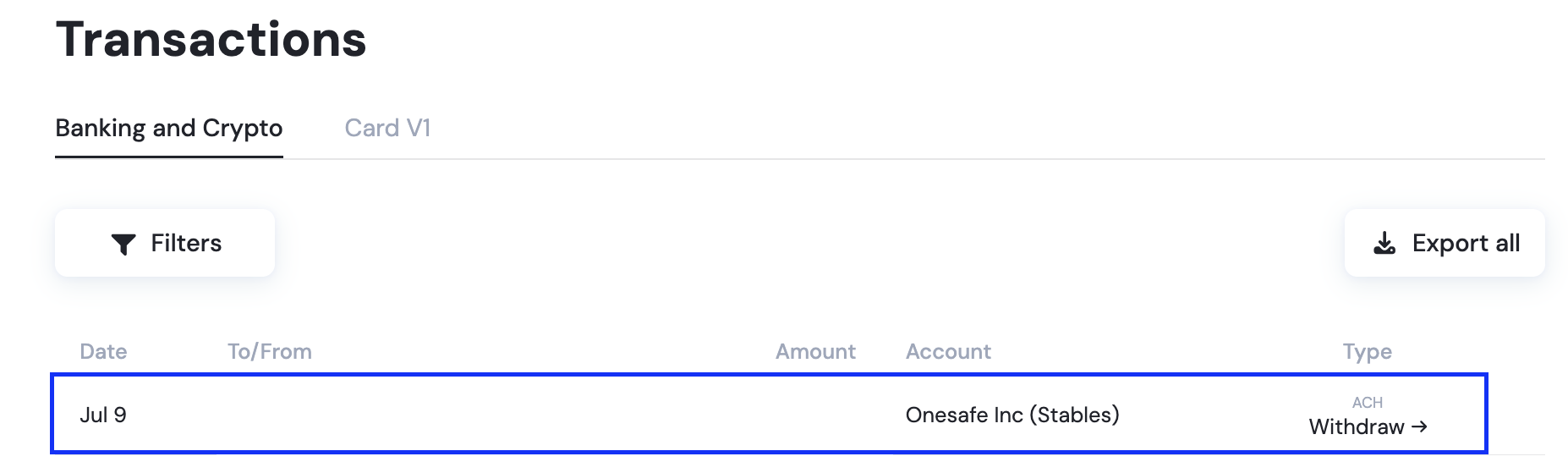
Click the transaction itself.
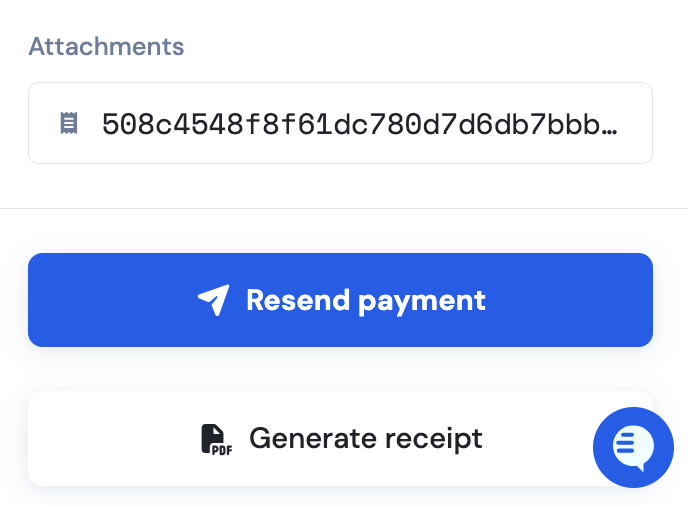
On the appearing panel on the right, click the attachment link just above the "Resend Payment" button.
Last updated: July 9, 2026
Go to transactions dashboard.
Click the transaction itself.
On the appearing panel on the right, click the attachment link just above the "Resend Payment" button.