How to view and approve Payment Requests
Last updated: May 20, 2026
Admins can follow this step-by-step process to approve payment requests:
👉 Read more about the Admin role
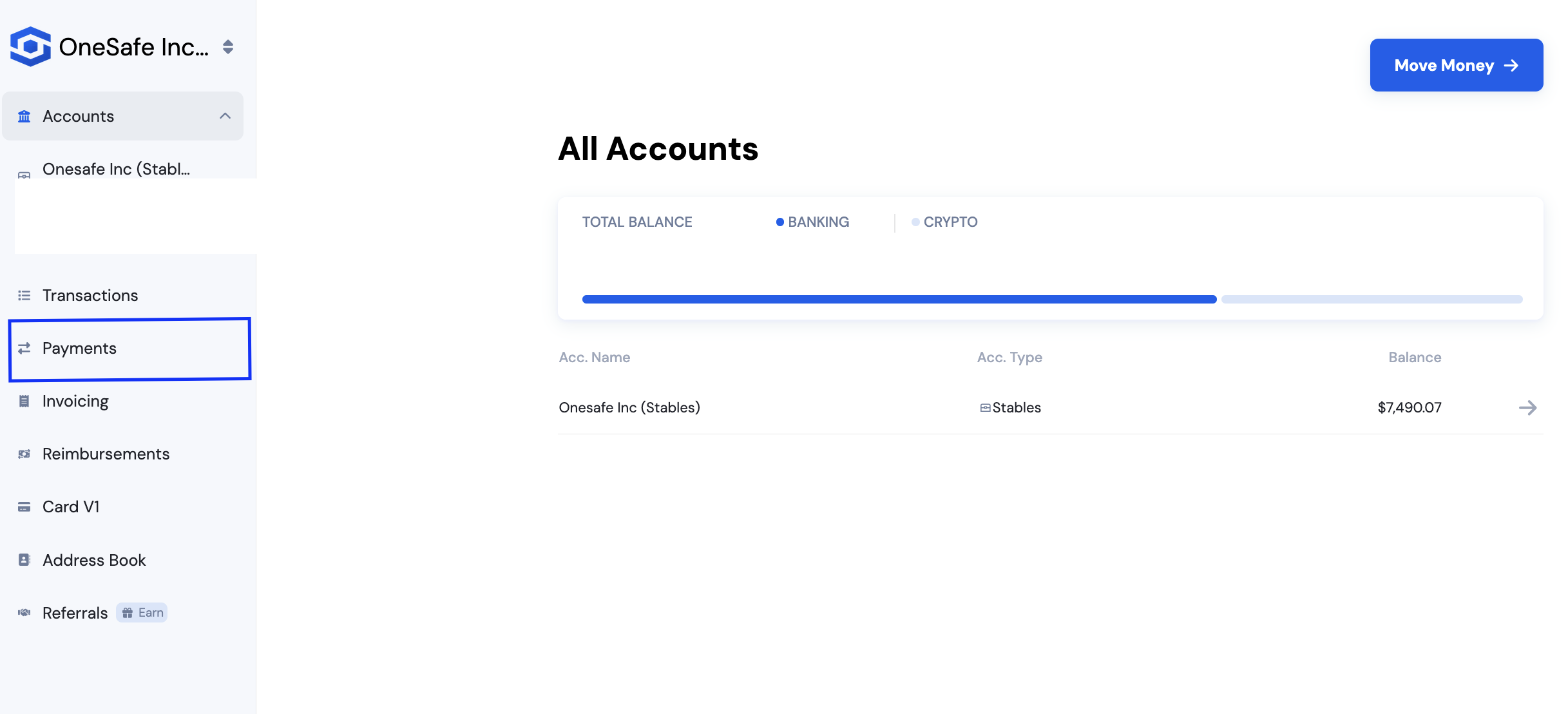
Go to the Payments tab.
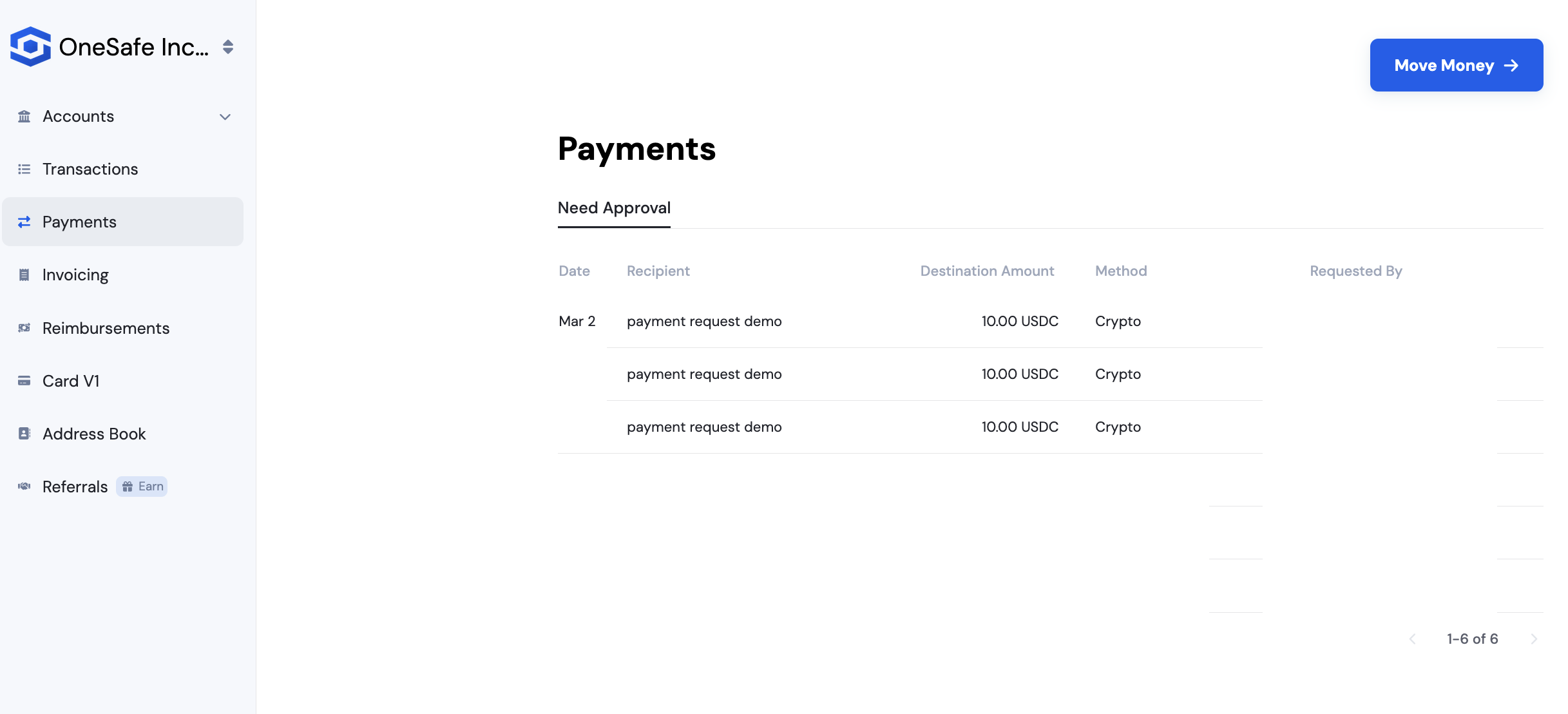
Click the payment request you want to approve or deny.
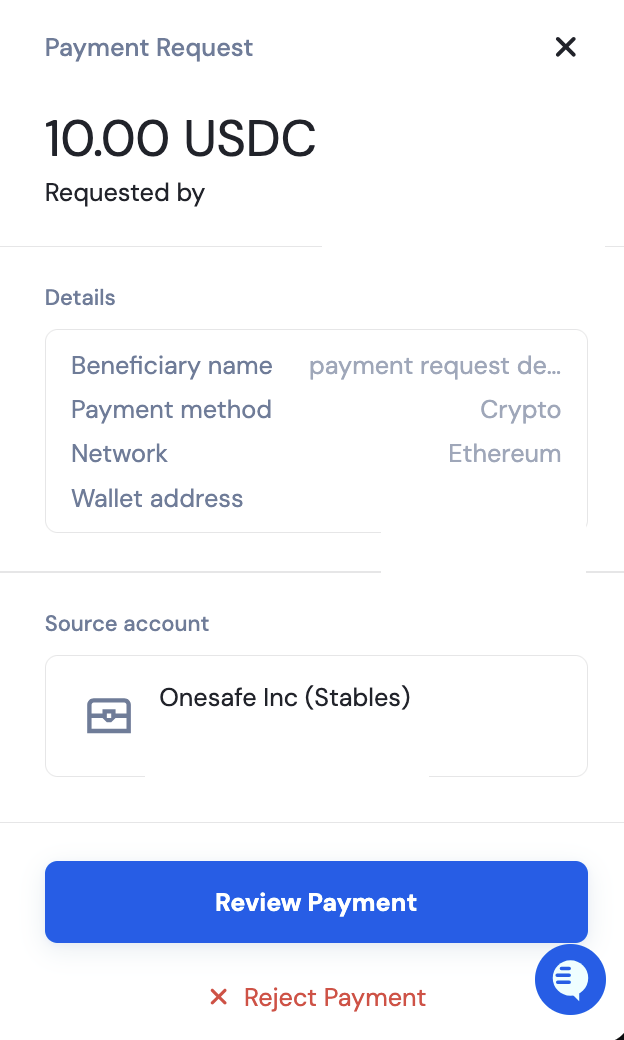
Click Review Payment, then choose to approve or decline the request.
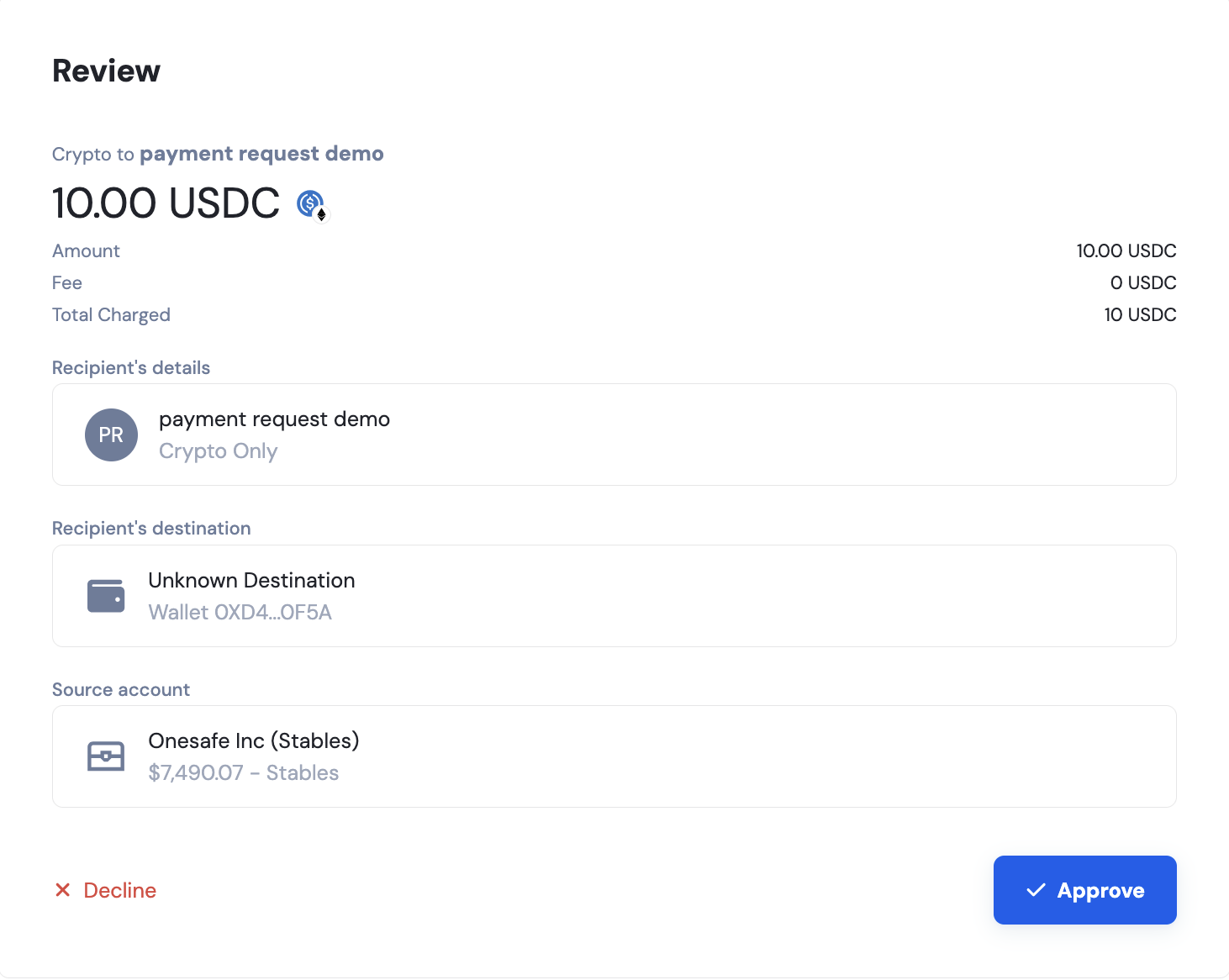
If click Approve, the payment will be initiated. If you click Decline, the payment request will be deleted off the Payment request list.