How do I signup for a new business in an existing user account?
Last updated: November 7, 2025
To create a new organization:
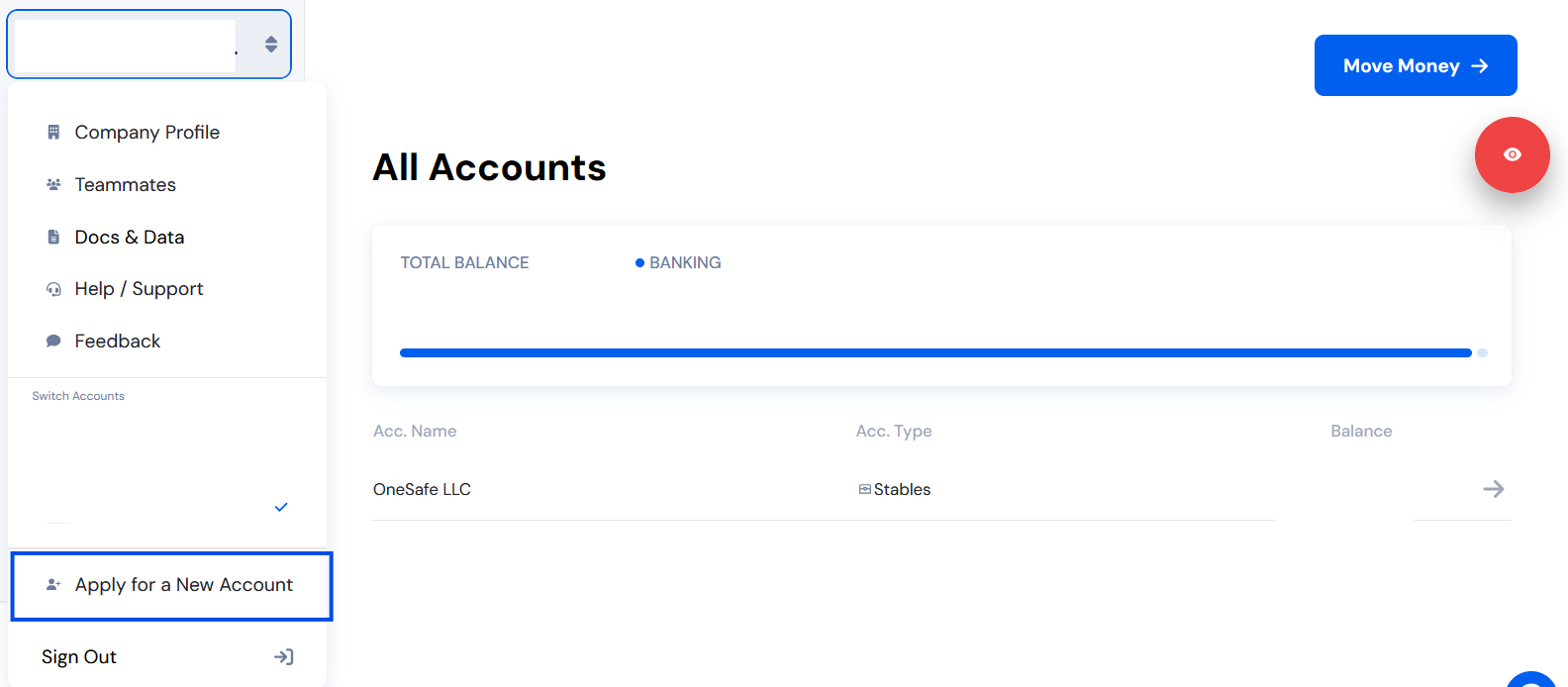
Click “Apply for a new account” in your OneSafe dashboard.
Complete the KYB verification for the new entity.
Once approved, you’ll see your new organization appear in the org switcher menu.