How to Withdraw or Send Funds from Your OneSafe Account via Crypto
Last updated: May 20, 2026
Feature availability (e.g. SWIFT, SEPA, USDT) depends on your account setup.
You can check your enabled features here: https://app.onesafe.io/app/endorsements
To initiate a crypto withdrawal from your OneSafe account, follow the step-by-step process below:
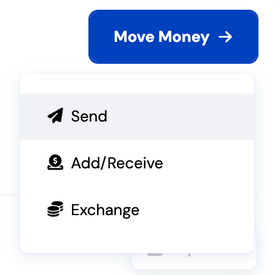
1. Start a Transfer
Click "Move Money" on your dashboard, then select "Send."
2. Select or Create a Recipient
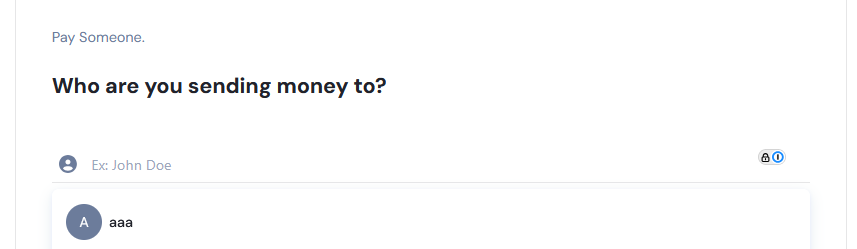
You’ll be prompted to either:
Search for an existing recipient, or
Select “Pay Someone New” to create a new recipient.
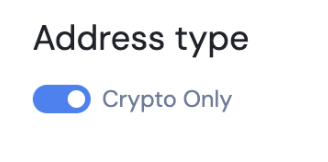
Address Type Setup
Using the toggle switches, select Crypto Only and click Next.
Once saved, recipient details cannot be modified, except for the nickname and email.
You can later add new banking or crypto network details by toggling the respective switches for the address type.
3. Choose the Network & Enter Destination Details
You will be asked to choose the appropriate network and to input the crypto address of the recipient. Input the destination details and click "Next"
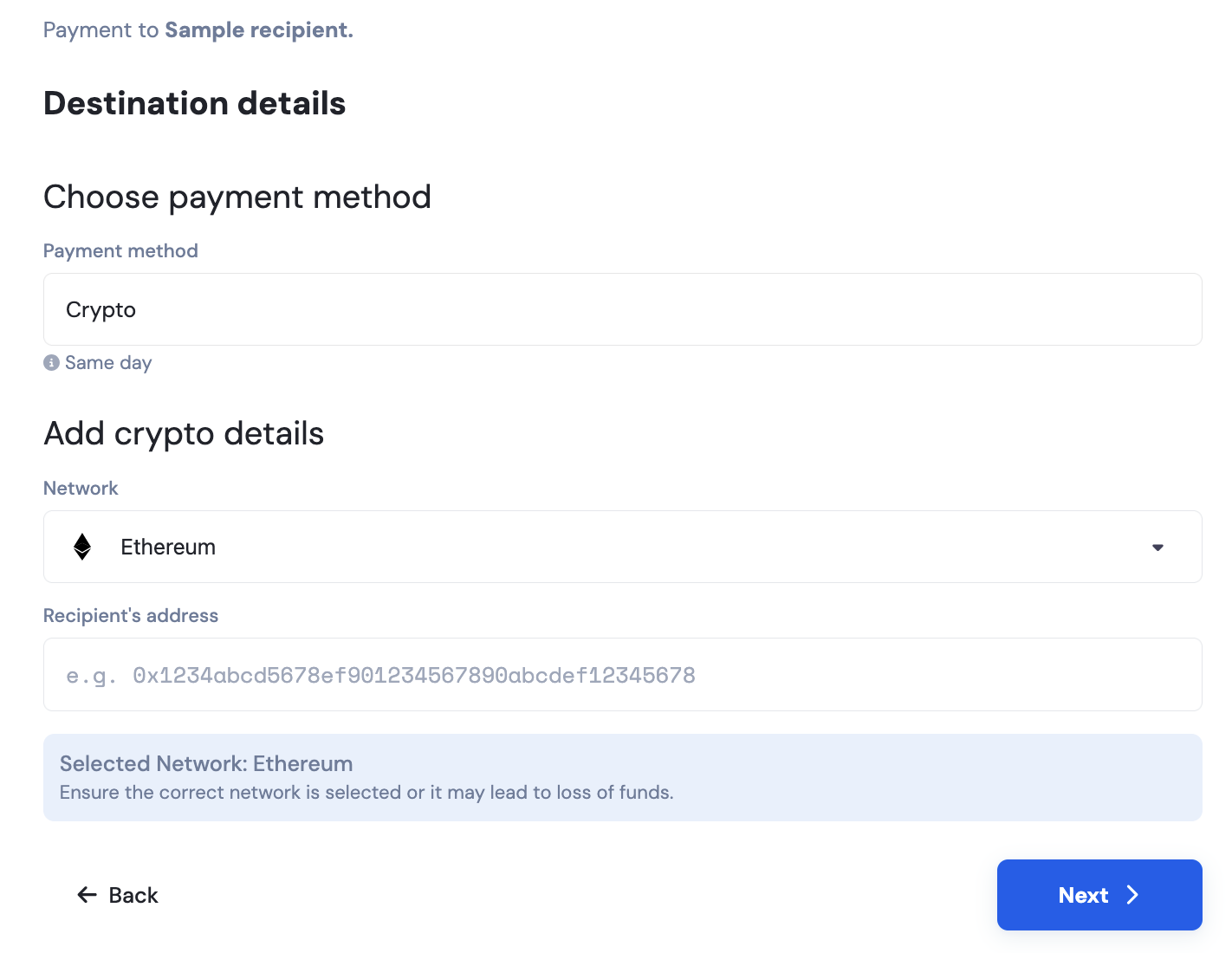
The options shown depend on the available payment methods linked to your account.
Please be careful when selecting your crypto network and currency type.
Make sure they match the destination address exactly.
Sending funds to the wrong network or address may result in permanent loss of funds.
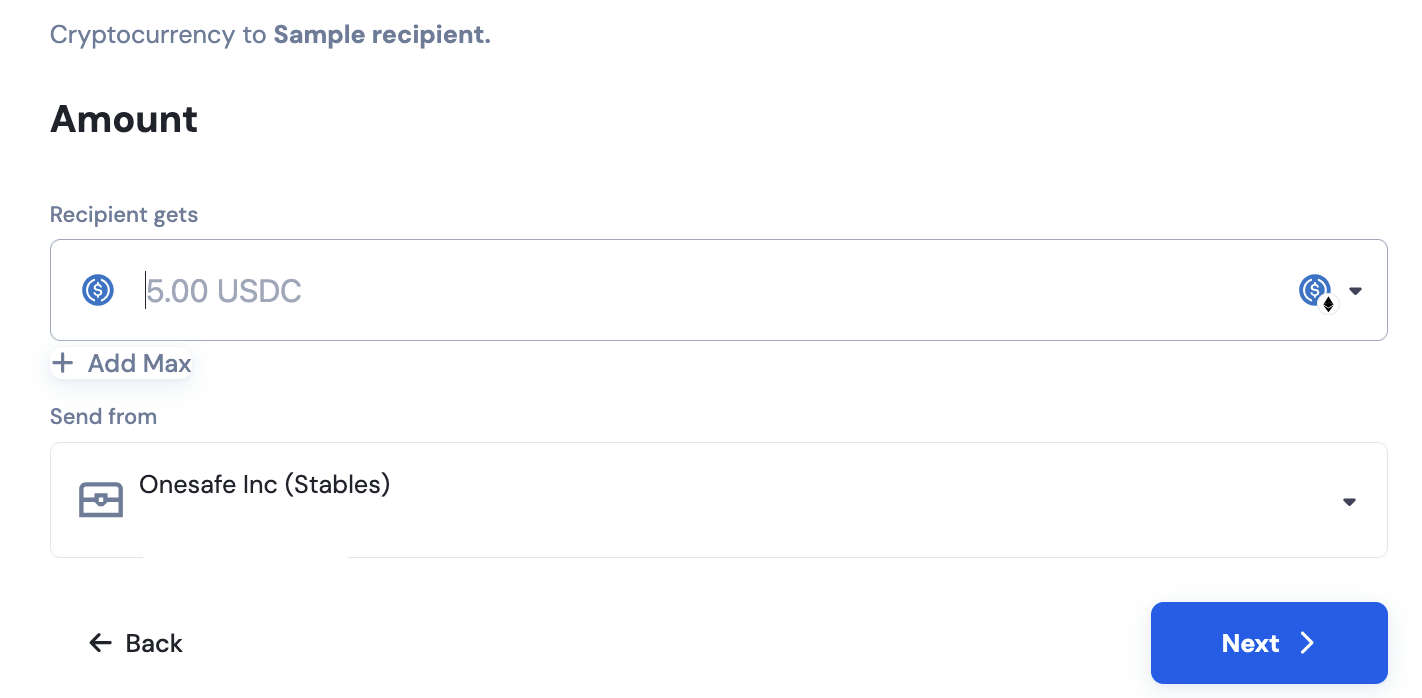
4. Enter Transfer Details
Specify the amount you wish to send, the specific token that you want send, and select Stables account.
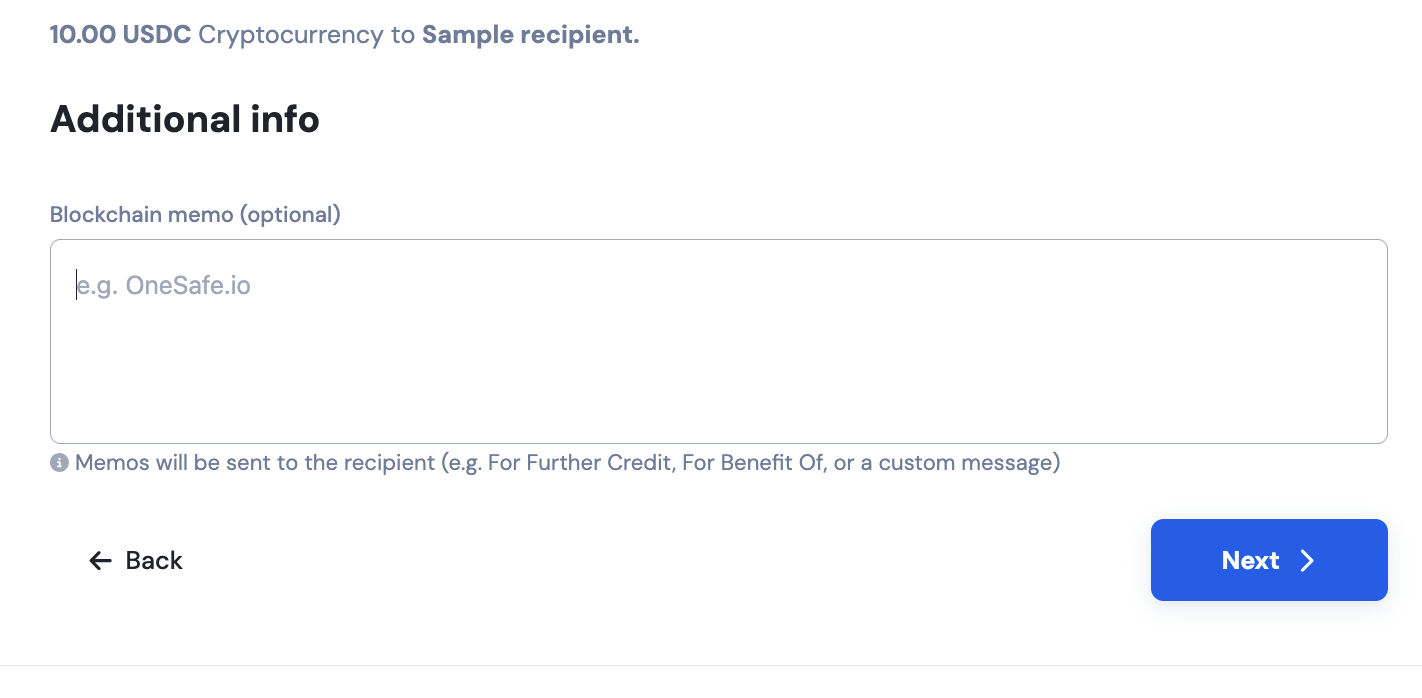
You may also add a memo reference for all transactions.
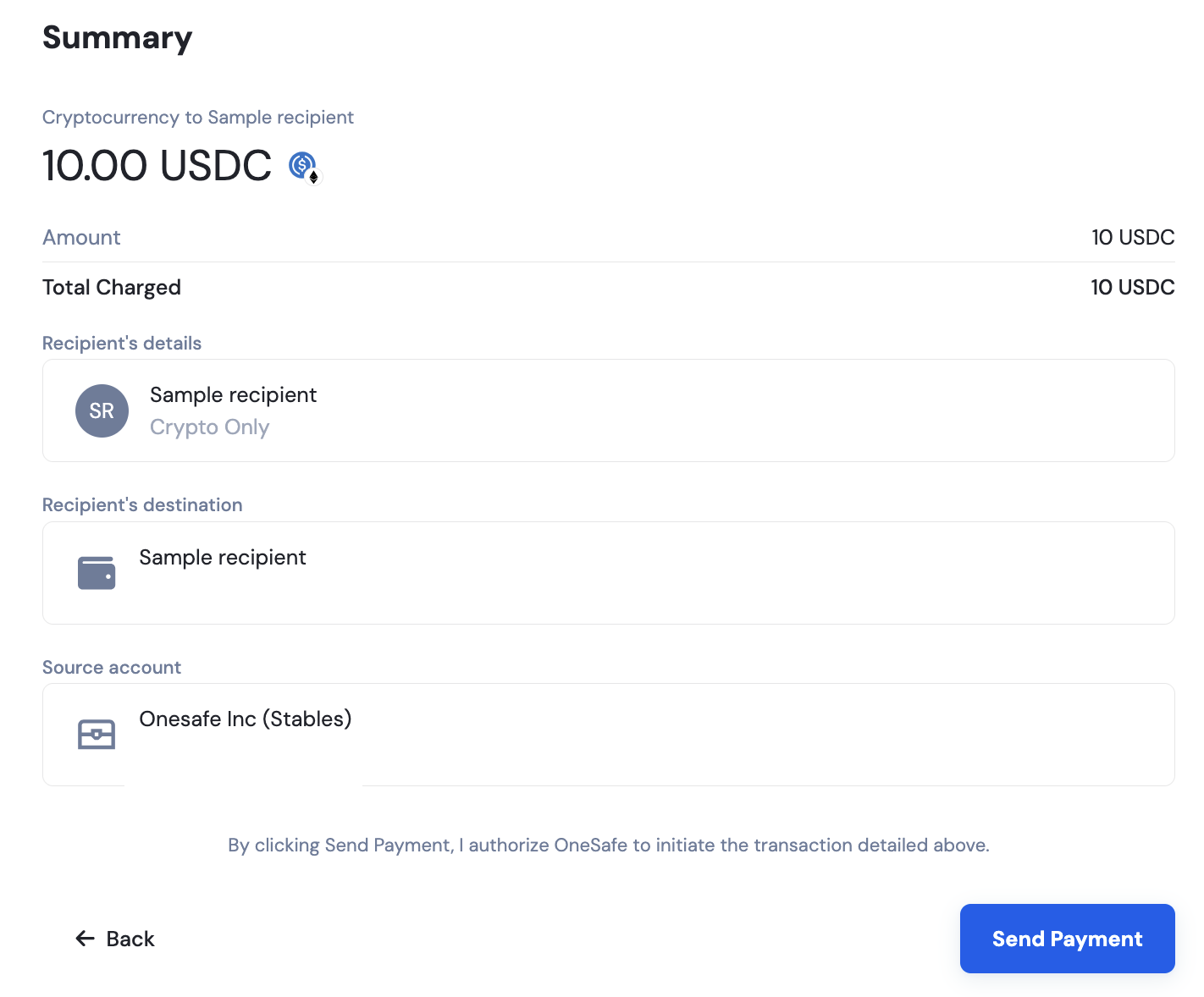
6. Review & Confirm
Review the transaction summary shown in the final screen.
If all details are correct, click "Confirm" to complete your withdrawal.