How to set up two-factor authentication (2FA)
Last updated: May 20, 2026
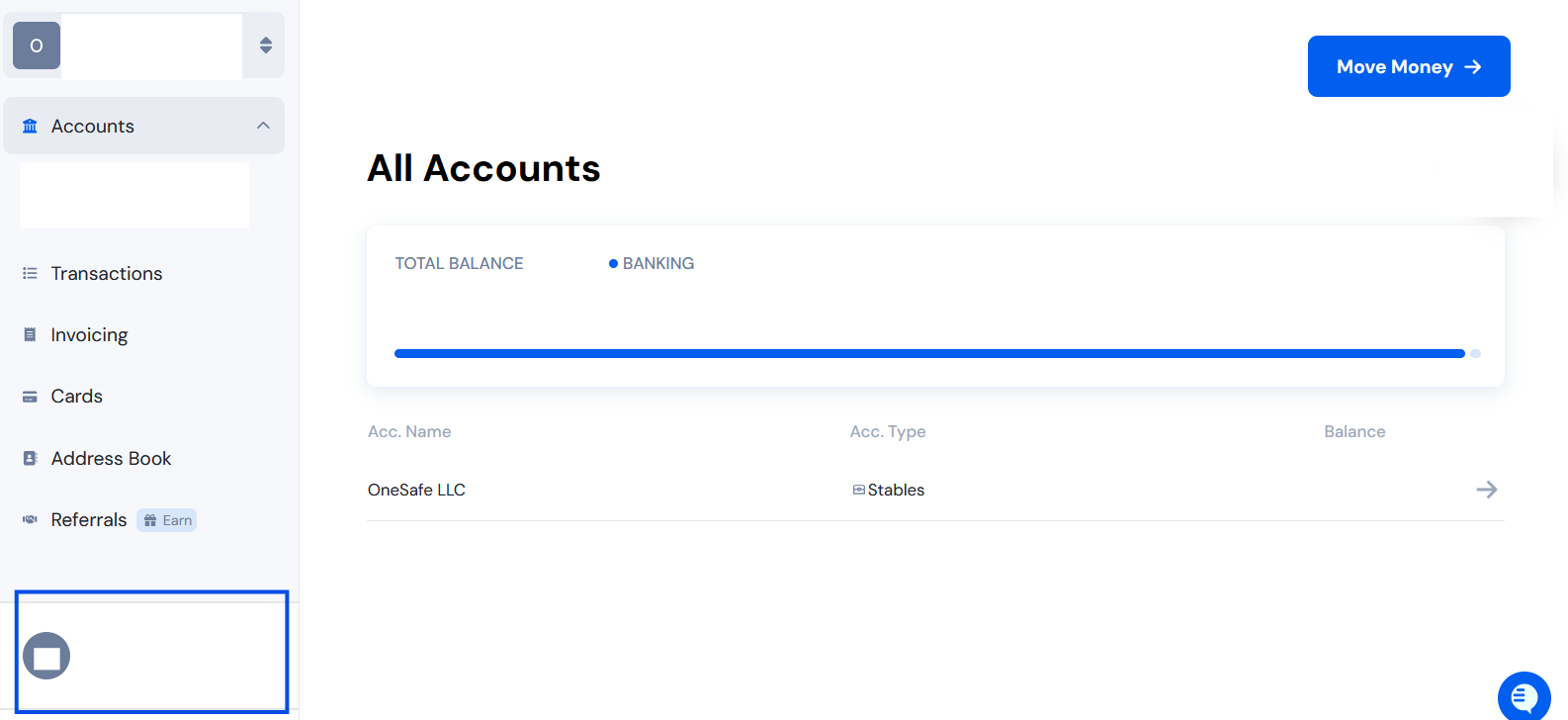
Click on your name to open the Account Manager window.
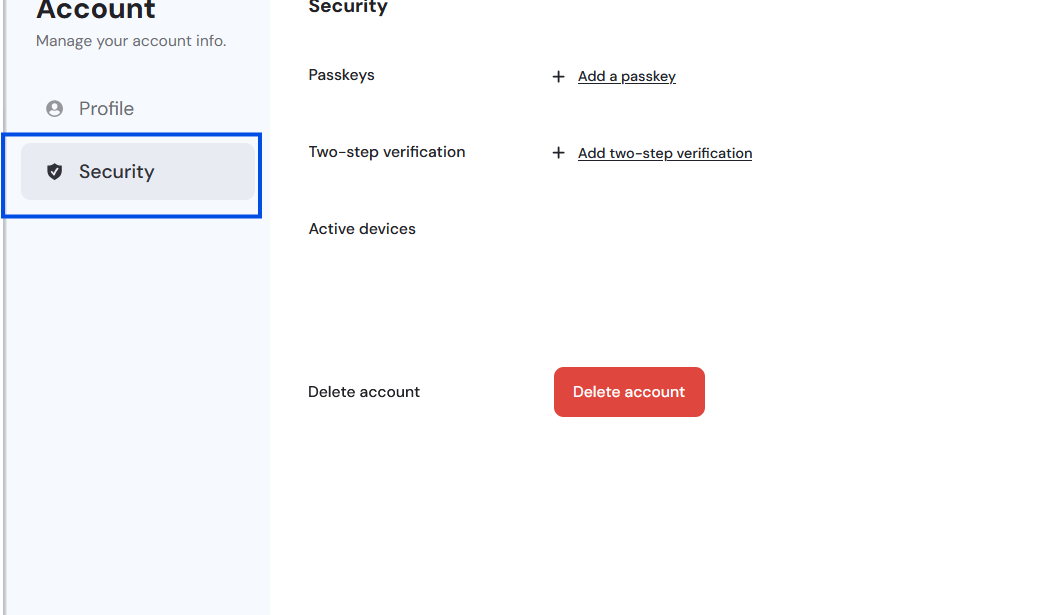
Click "Security."
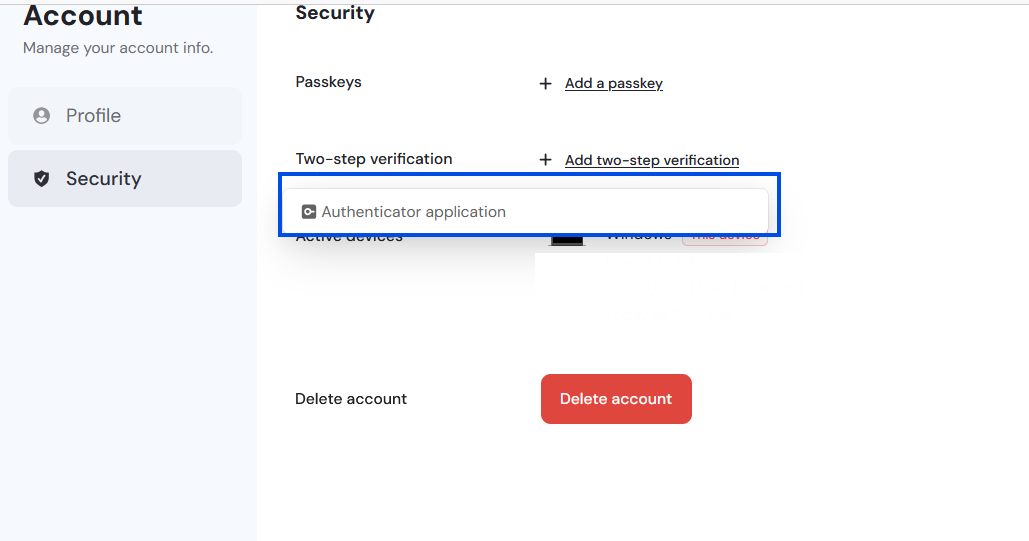
Click "add two-step verification" and then "Authenticator application." Scan the QR code that appears using your authenticator app.
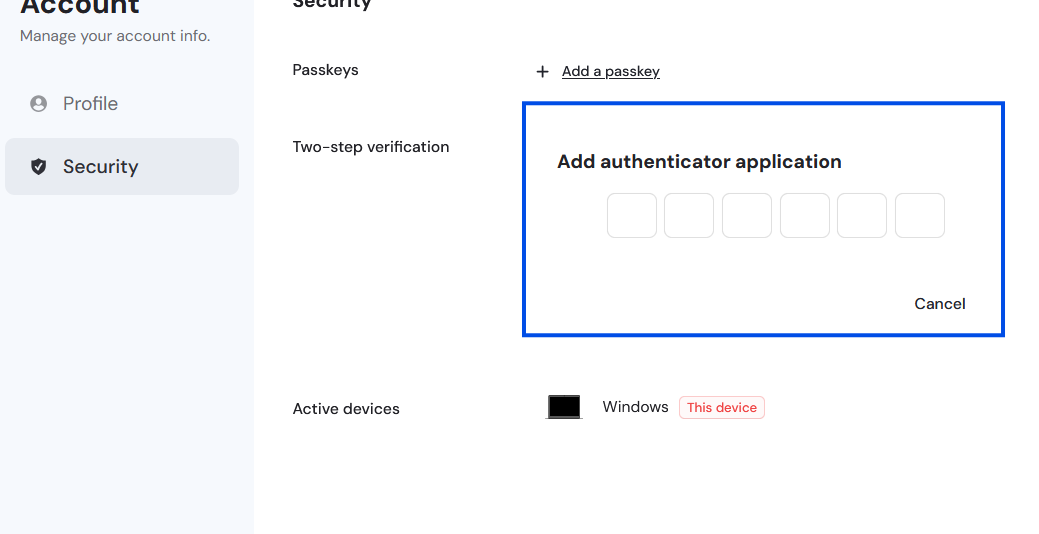
Enter the verification code from your authenticator application.
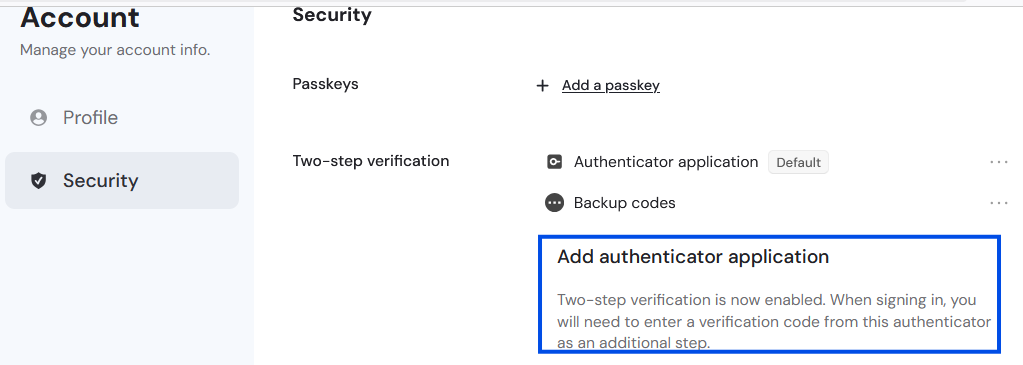
A message will confirm that you have successfully added the authenticator app.
Transactions over $50,000 will fail unless two-factor authentication (2FA) is set up.