Can I add Smart Transfer details to an existing recipient?
Last updated: May 20, 2026
Yes. If you already have a recipient saved in your Address Book, you can add Smart Transfer details to them without creating a new recipient.
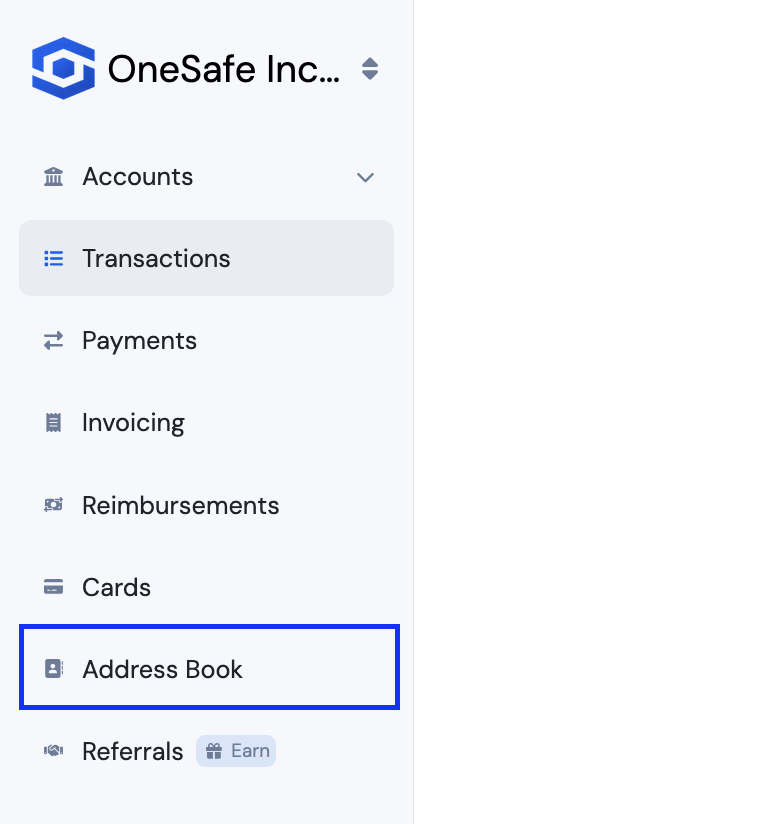
Open your Address Book
Go to Address Book, then select the recipient you want to update.
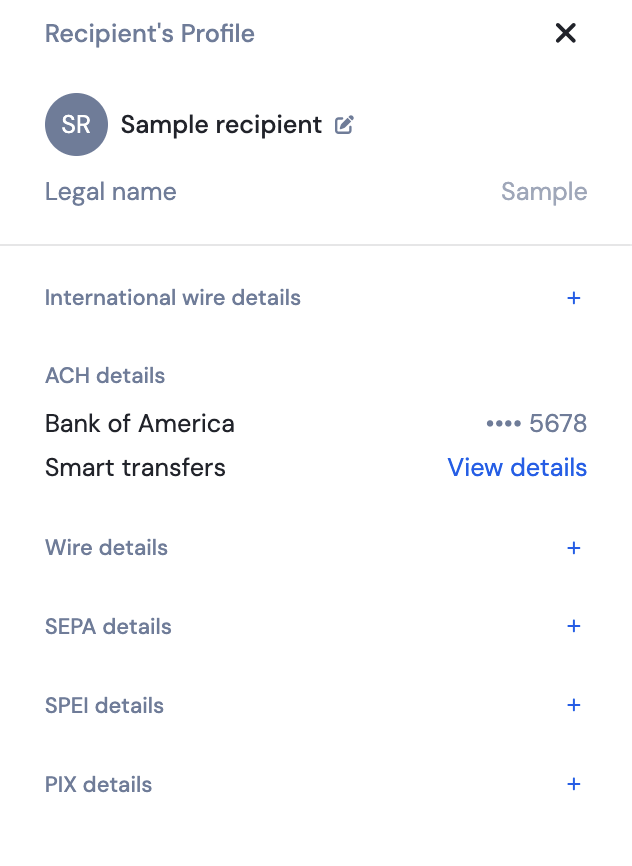
Add a new payment method
In the recipient’s profile, scroll to the Bank details section and click the ➕ (plus) icon next to the payment method you want to add (for example, ACH, SEPA, or Wire).
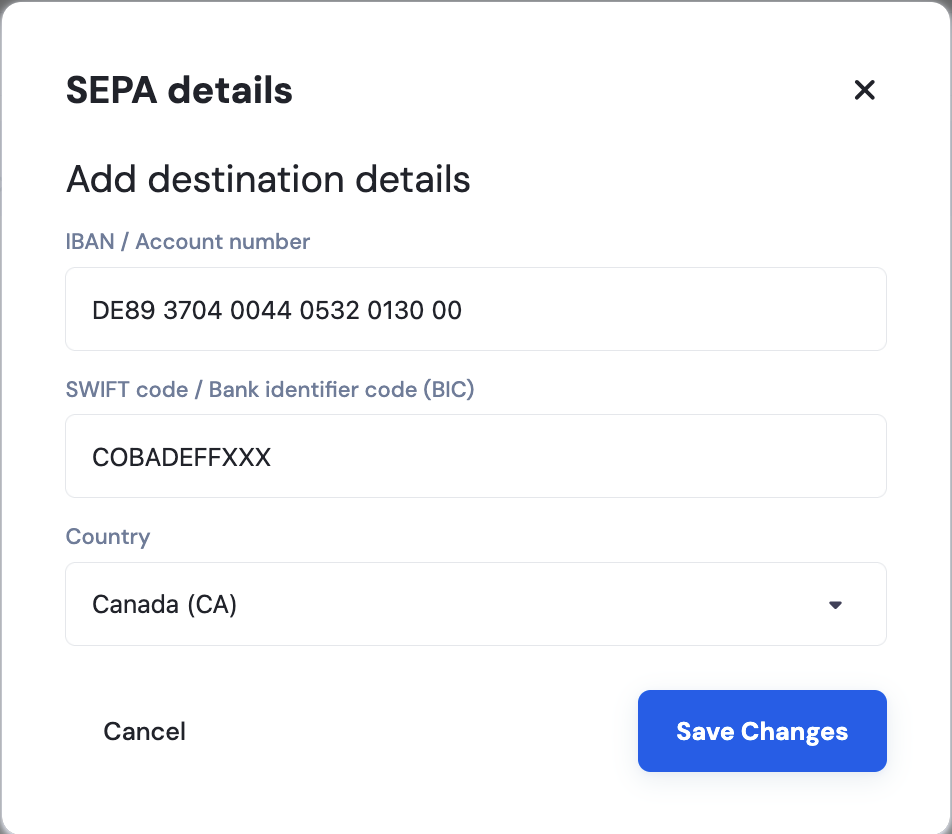
Enter the banking details
Fill in the required information in the panel that appears, then click Save changes.
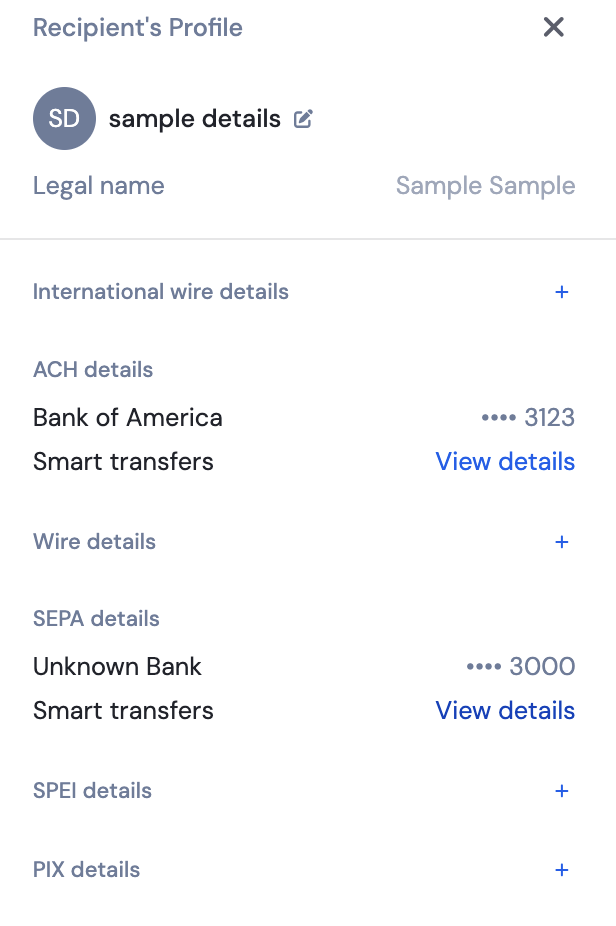
View Smart Transfer details
Once saved, the payment method will be labeled Smart transfers.
Click View details to see the linked crypto address.
What happens next?
The Smart Transfer details are now linked to that recipient.
You can reuse the same recipient for both traditional bank transfers and Smart Transfers.
No duplicate recipients are created.