How do I mark an invoice as paid?
Last updated: September 4, 2026
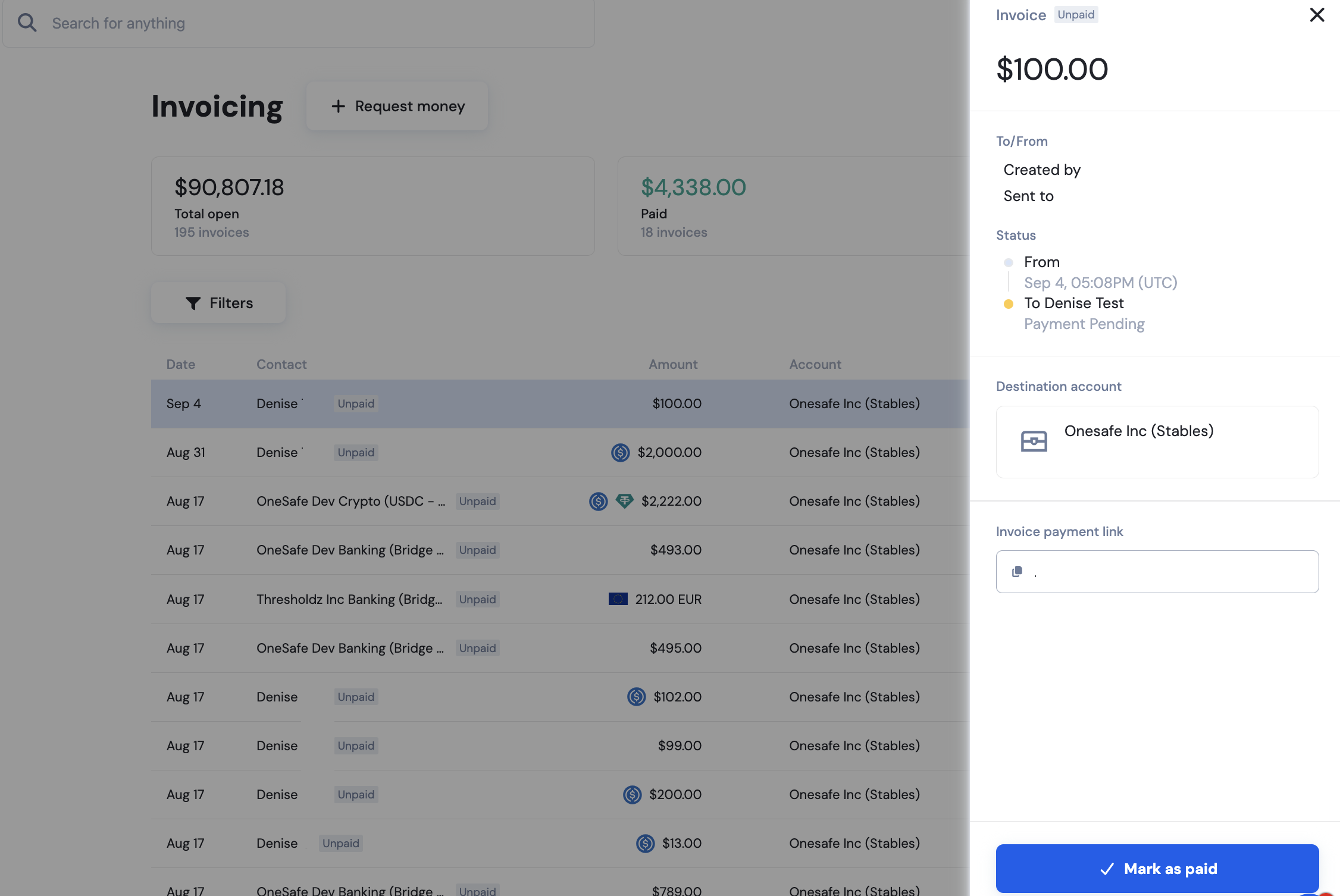
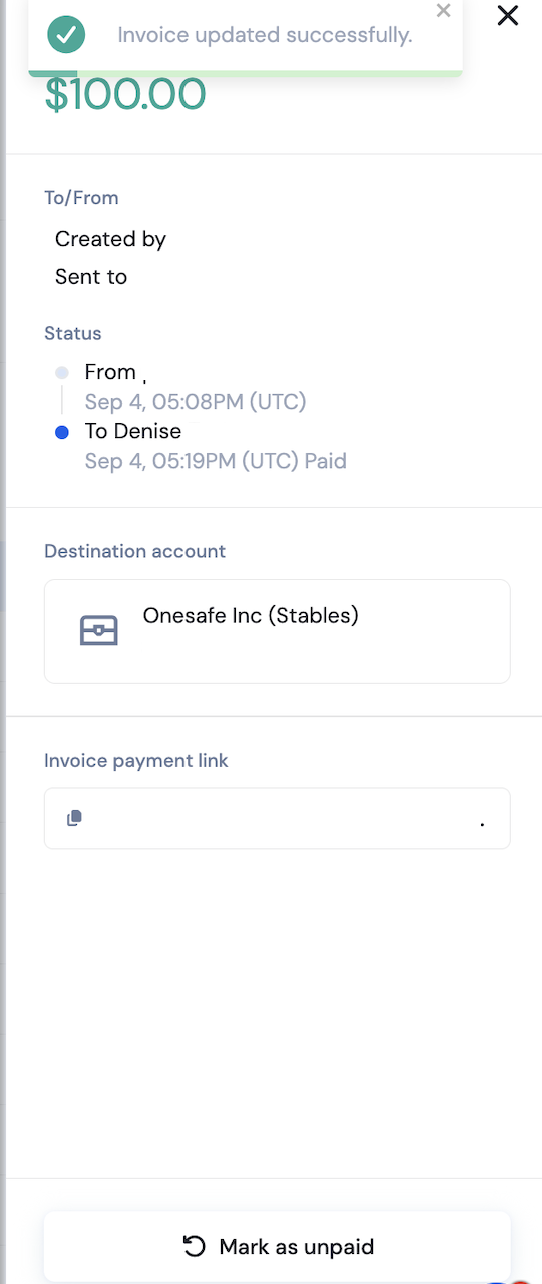
Open the invoice in your dashboard, click Mark as Paid, and the invoice status will automatically update from Unpaid to Paid.
👉How do I create and send an invoice?
Last updated: September 4, 2026
Open the invoice in your dashboard, click Mark as Paid, and the invoice status will automatically update from Unpaid to Paid.
👉How do I create and send an invoice?