Where can I find the QR code for the crypto address?
Last updated: August 28, 2026
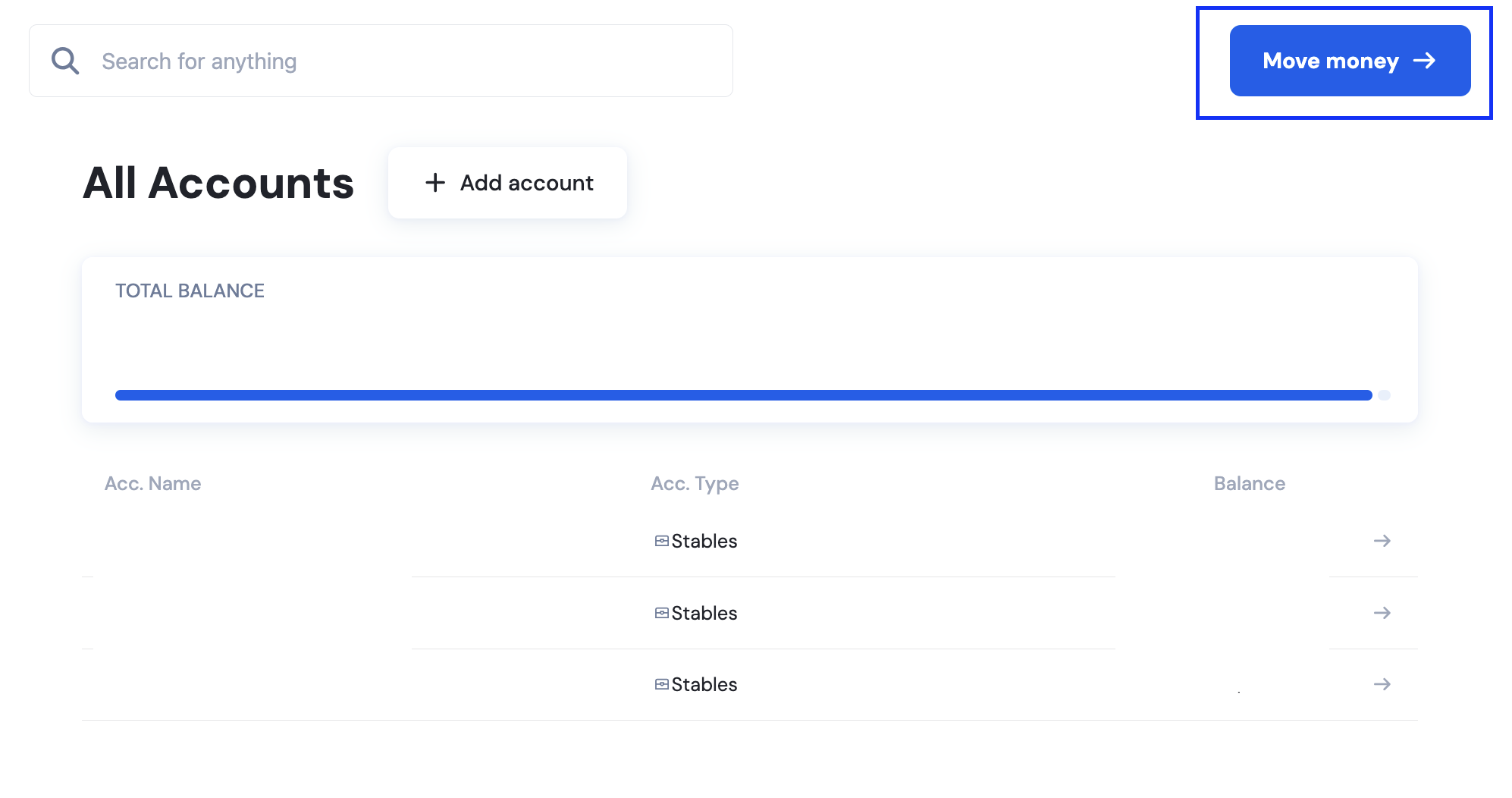
Click Move money at the upper right corner.
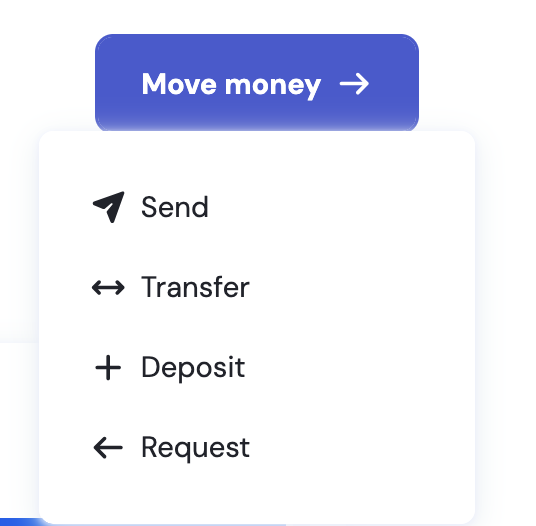
Click Deposit
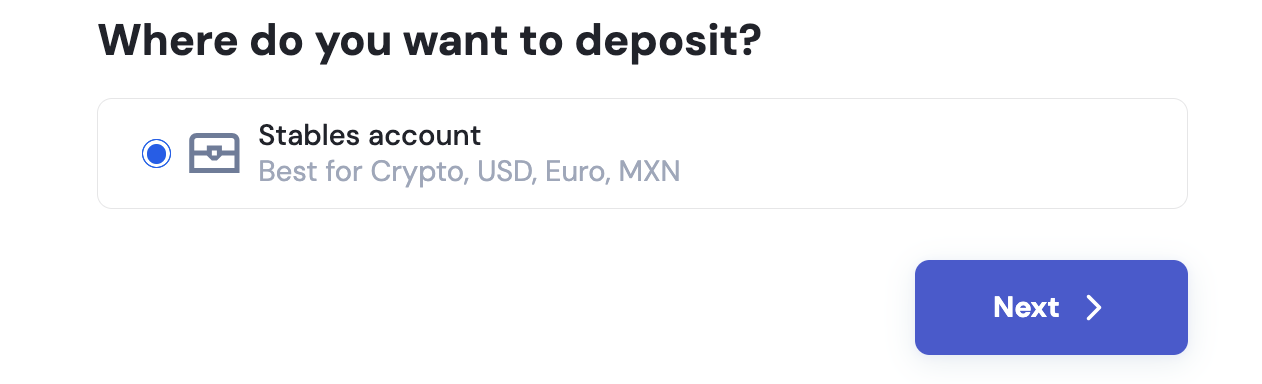
Choose Stables account.
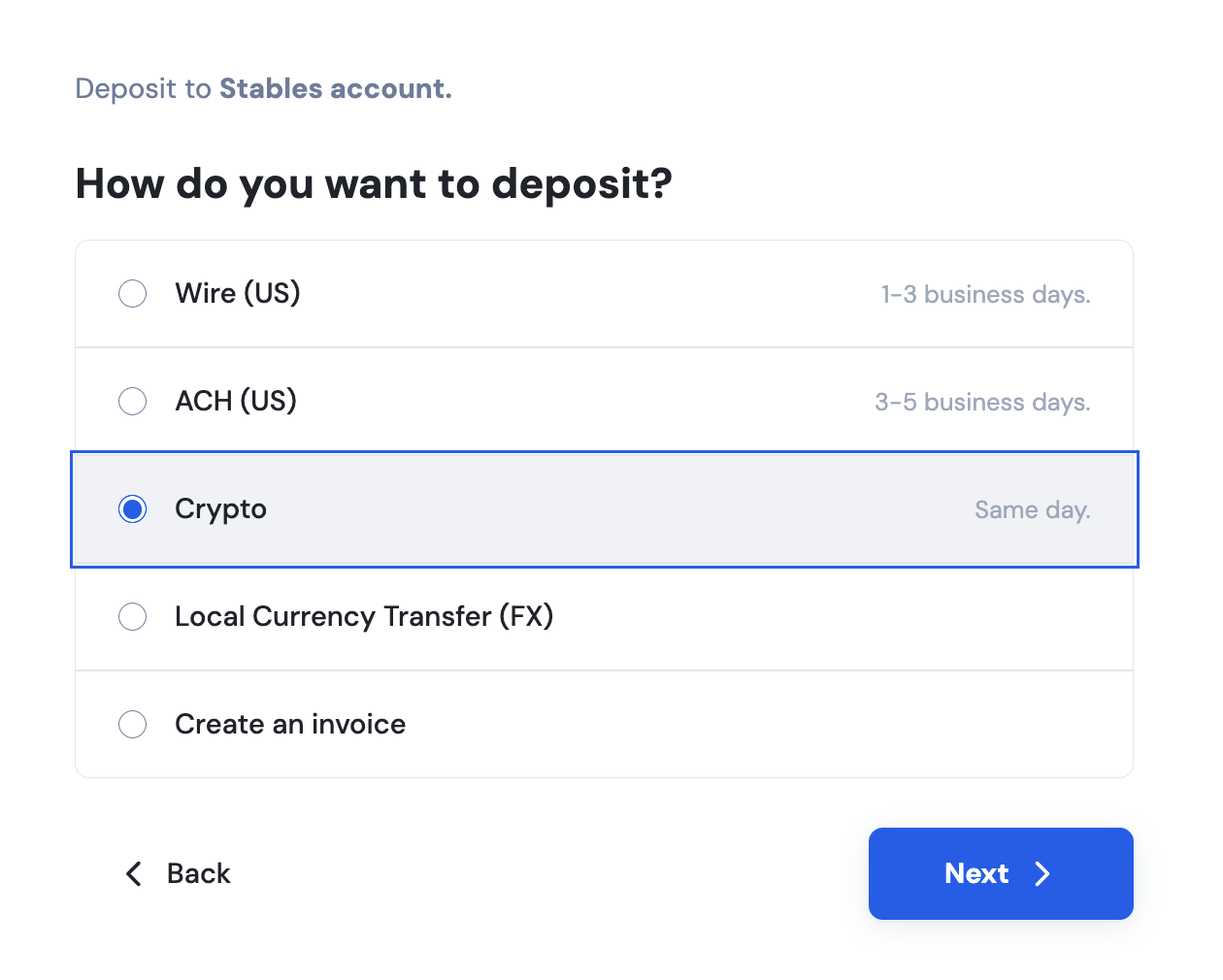
Select Crypto.
Click the dropdown menu and choose your token. The QR code shall be displayed below the crypto address.
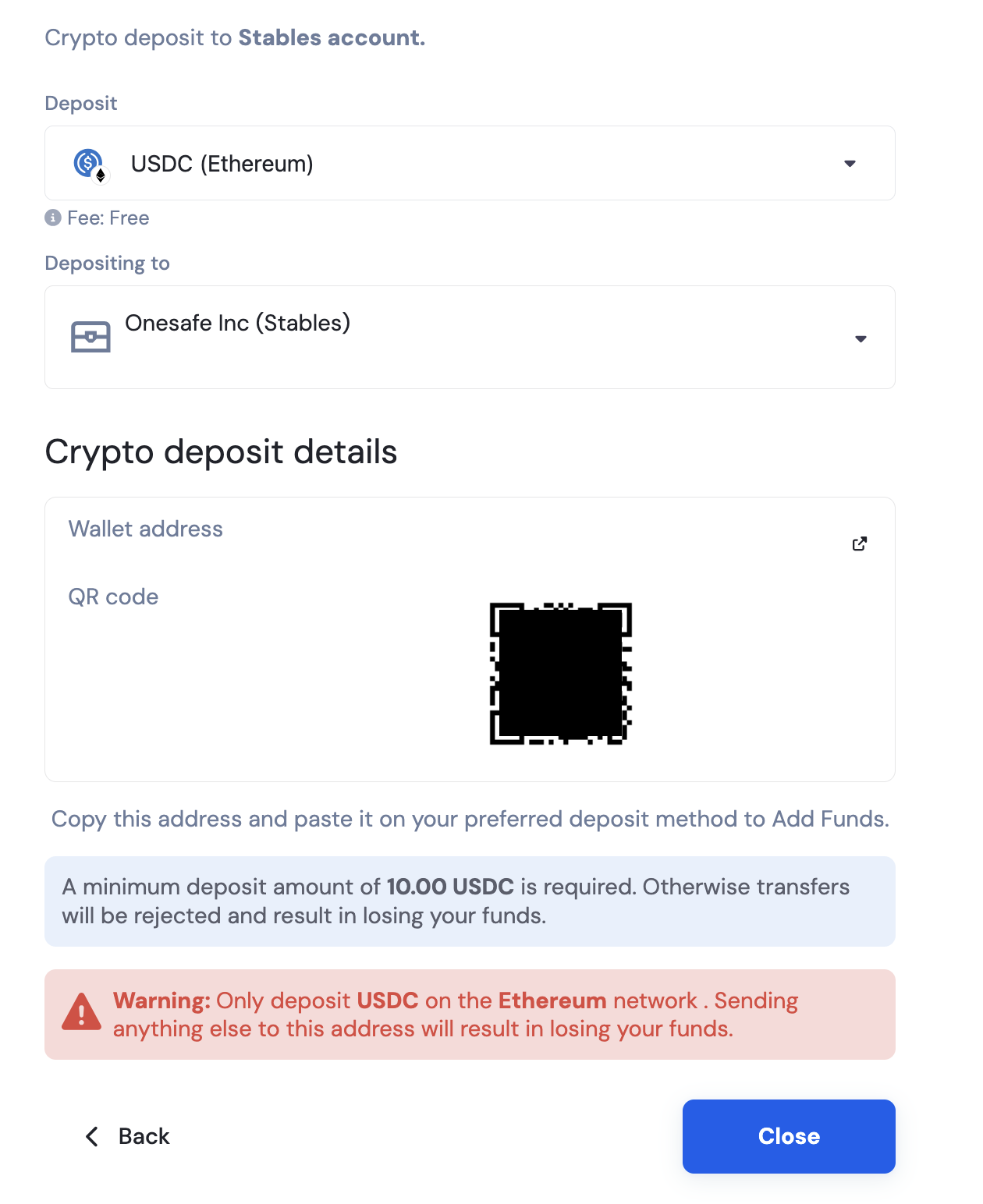
The QR code contains the same wallet address. You may scan it instead so your device can copy the address via QR.