Where can I view my current plan and billing details?
Last updated: August 18, 2026
Your Plan & Billing page is the central place to manage your OneSafe subscription. From there, you can review the plan you're on, track what you've been charged, and keep your payment method up to date.
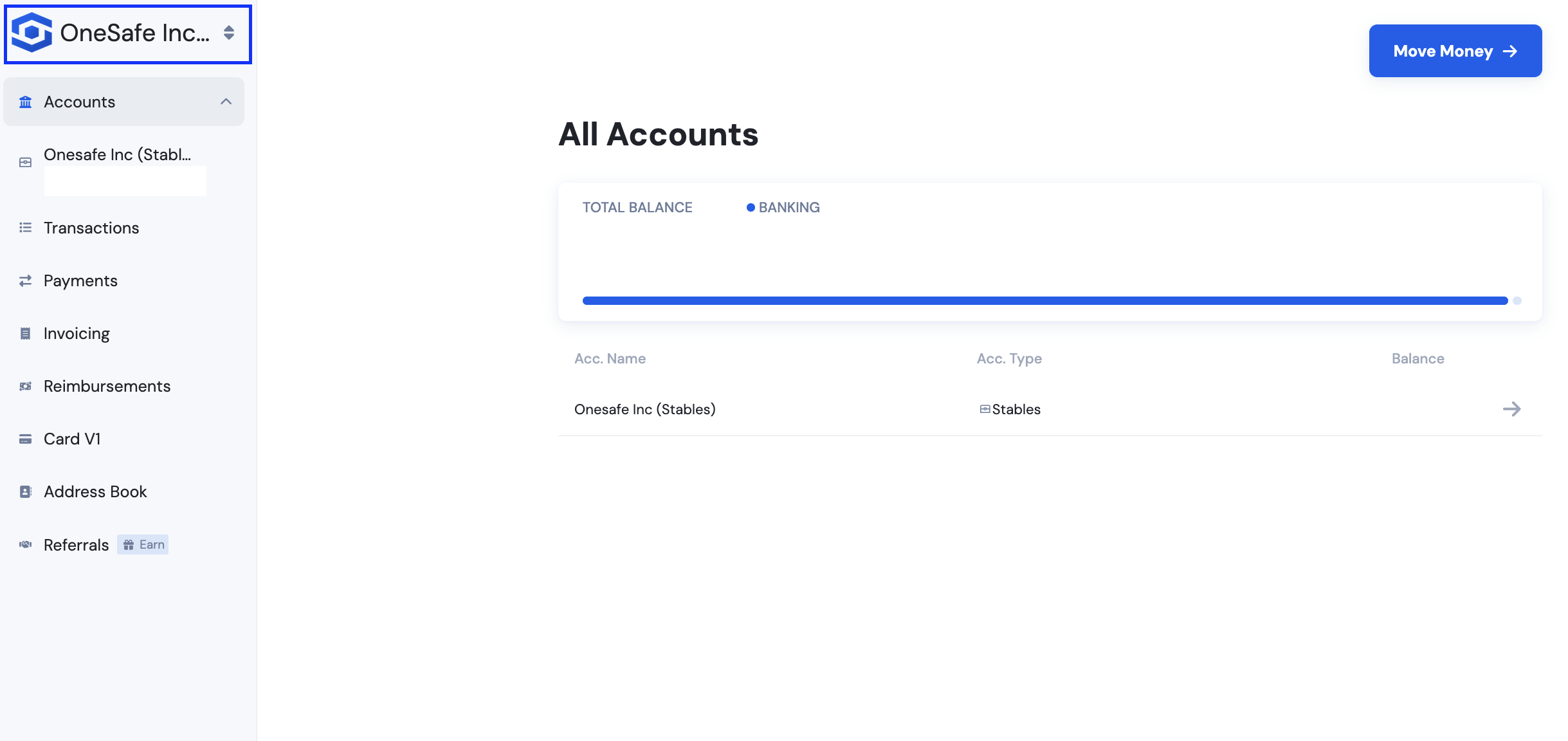
Click your profile business name at the upper left corner.
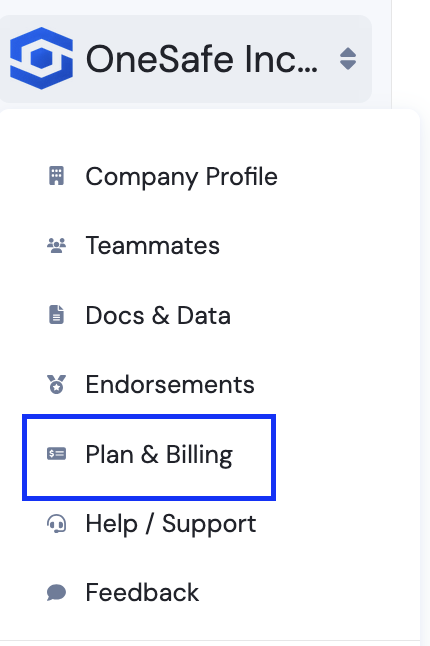
Select Plan & Billing
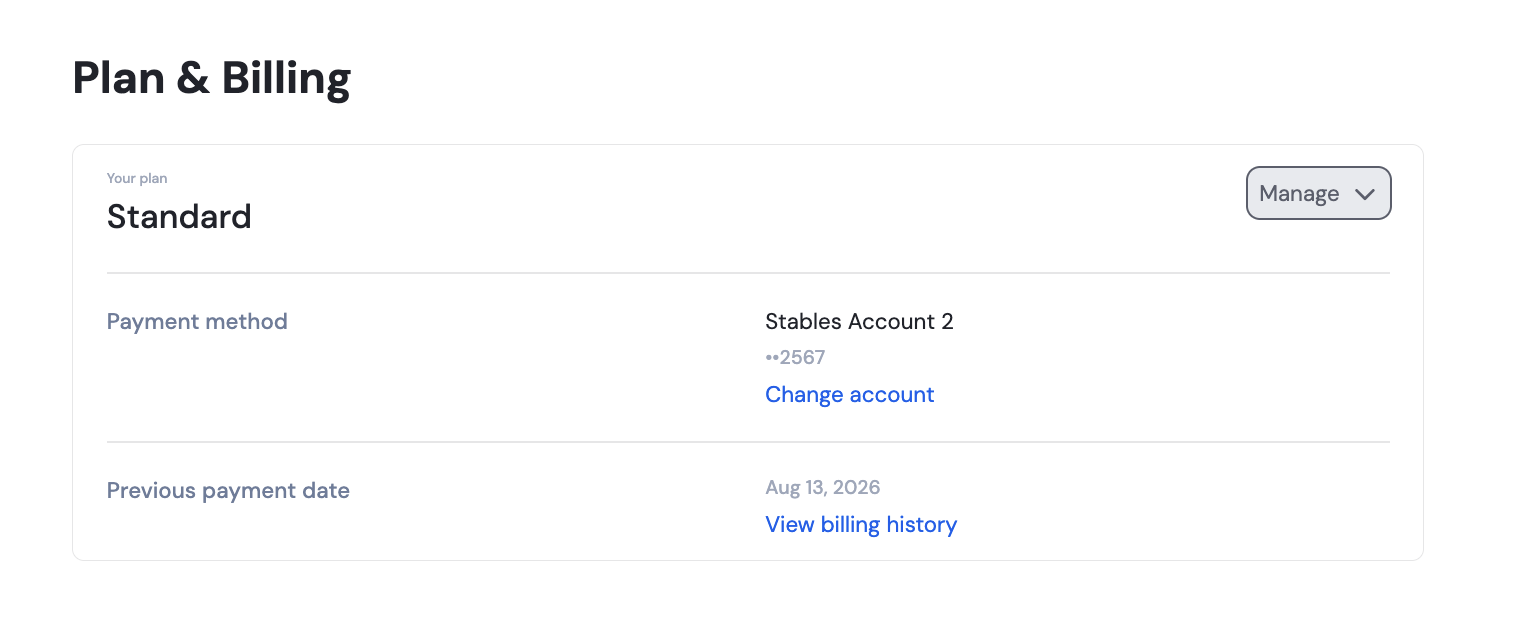
From here, you can find the plan your account is currently on along with the monthly fee.
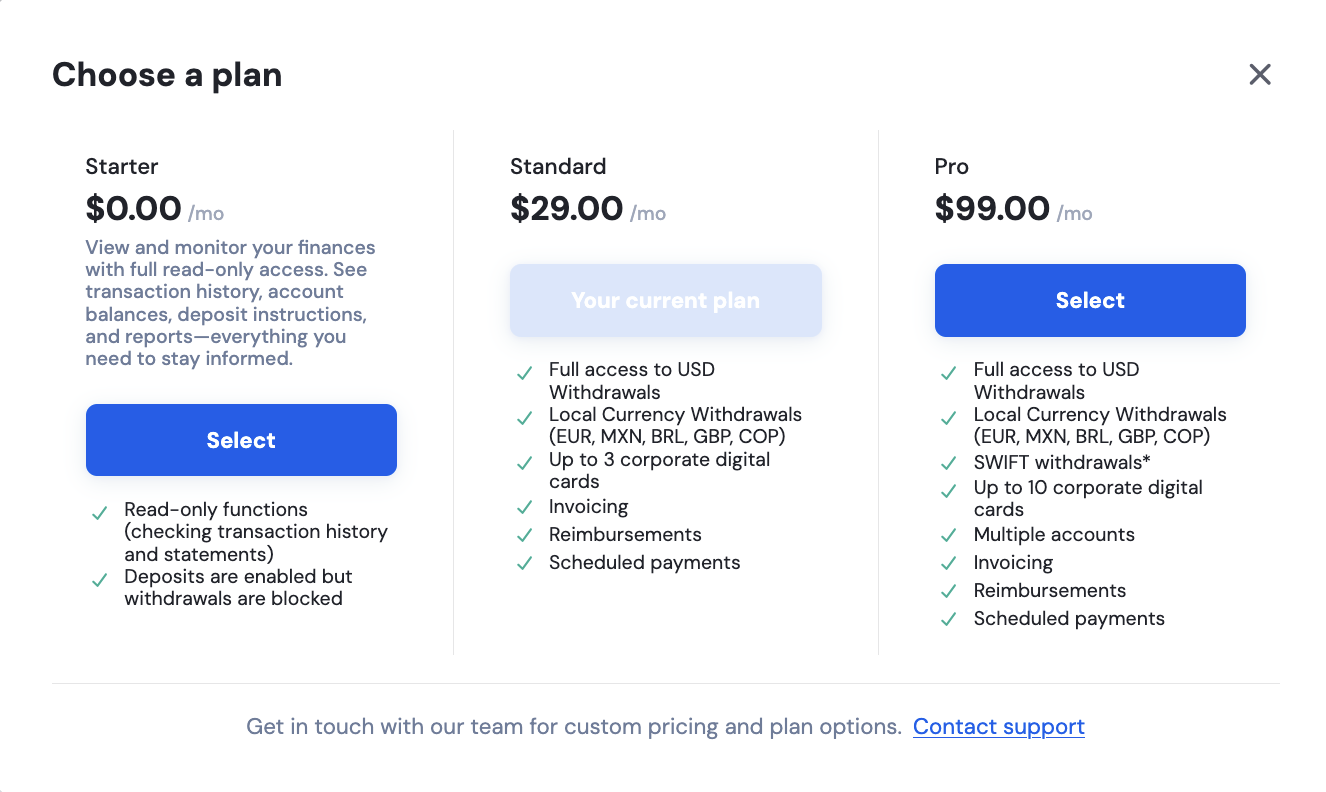
For more information regarding your plan, you may click Switch Plans to compare all available OneSafe plans side by side and change tiers whenever you need to.
To check your billing history, you may follow this guide:
How can I view my OneSafe Plan billing history?
More about OneSafe Plans:
What is the OneSafe platform fee?