How do I create a card?
Last updated: August 19, 2026
Each user needs to set up card access before a card can be issued to them.
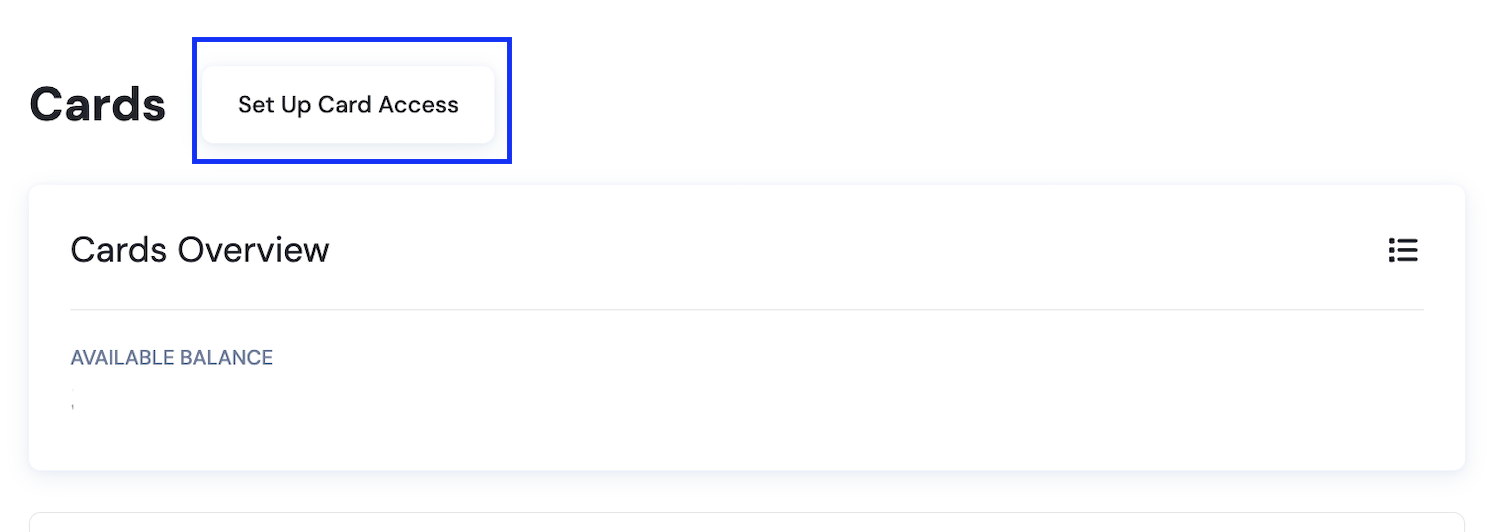
Go to the Cards V2 Dashboard.
Click "Set Up Card Access."
Accept the OneSafe Card Terms and Issuer Privacy Policy, then click "Setup Access."
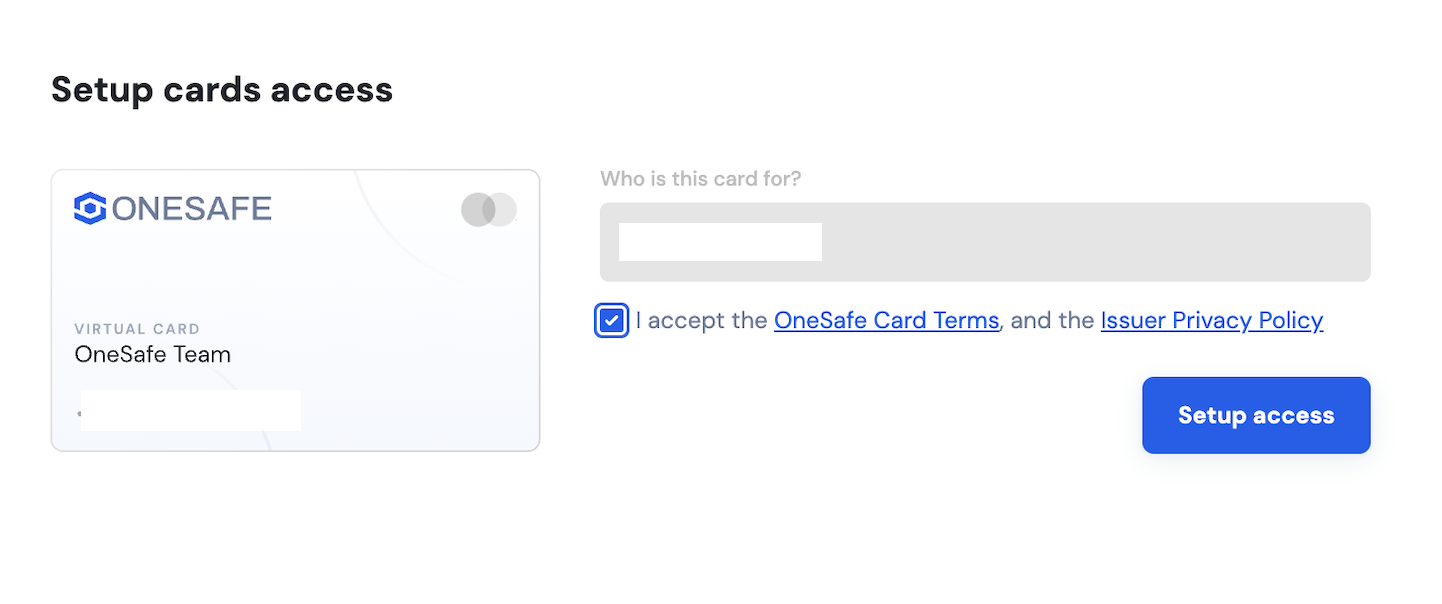
The Terms of Service (TOS) must be accepted by the user before a card can be created for them.
Only Team Members and Admins can set up card access. Admins can issue cards for any member of the organization — other roles (i.e., Bookkeeper, Payment Requester, Team Member) cannot.
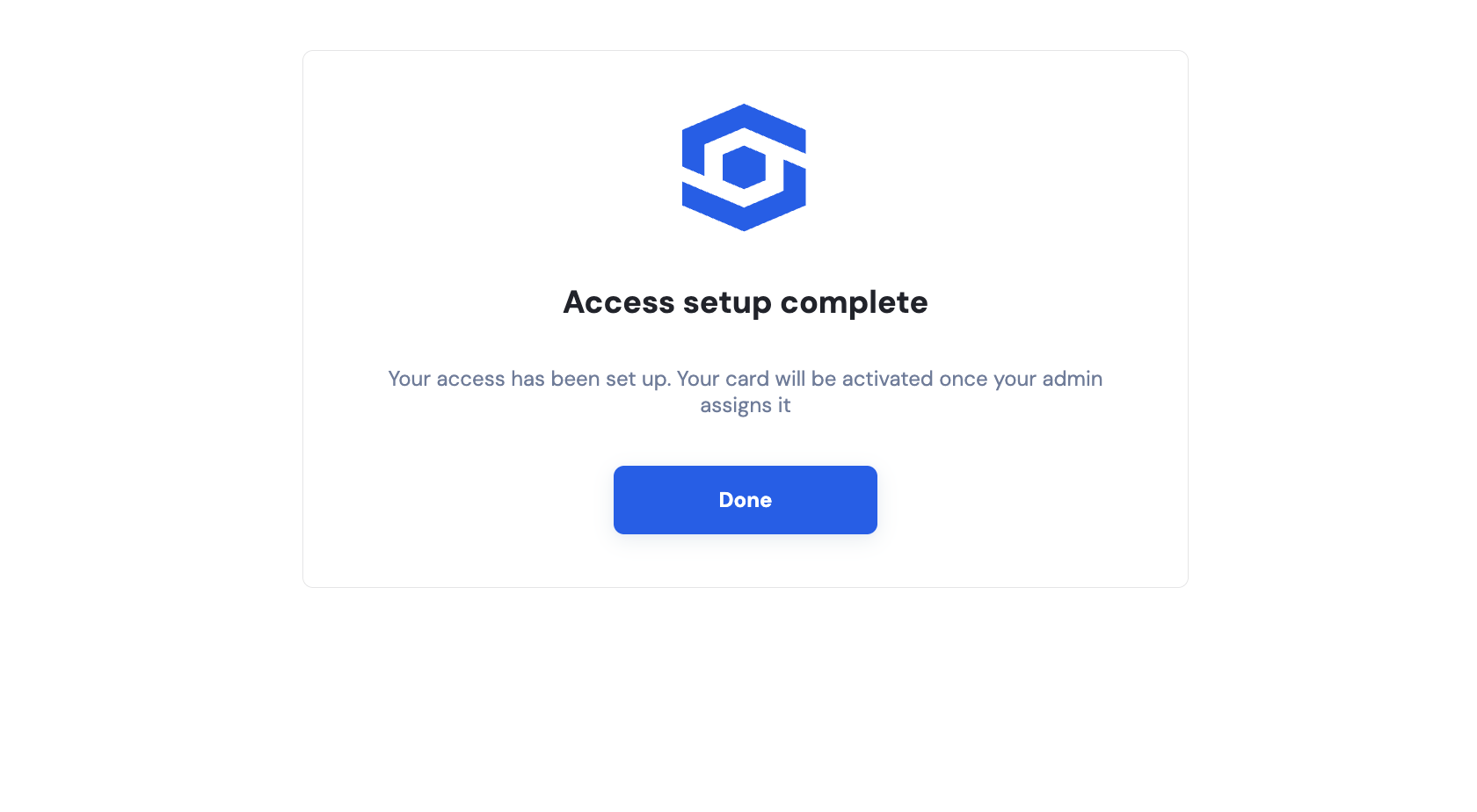
Once a user has set up card access, an admin can issue them a card.
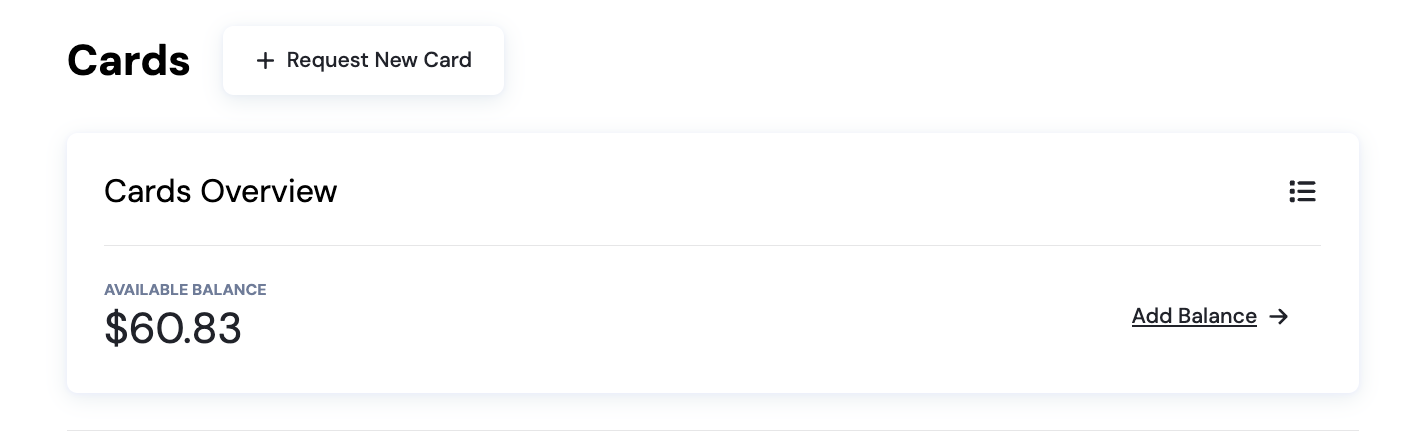
Go to the Cards V2 Dashboard and click "+ Request New Card."
In the Request a Card form, fill in:
Who is this card for? — Select the user
Nickname — e.g., "John's Card"
Amount & Period — Set the transaction limit and billing period (e.g., $10,000 / Month)
Click "Issue Card."
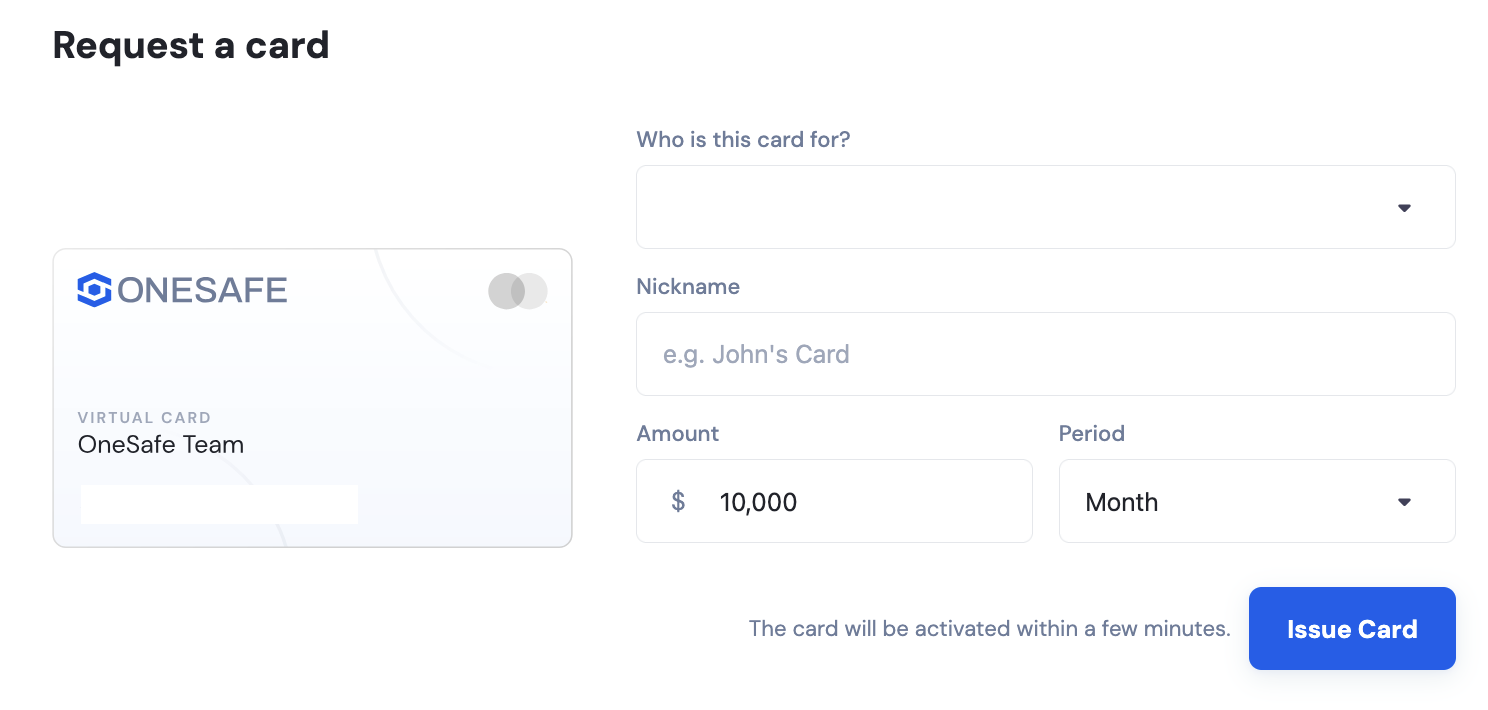
The card will be activated in a few minutes.
Card limits vary by plan
Starter accounts cannot create cards. Standard allows up to 3 cards, and Pro accounts can add up to 10 cards.
📄 Are there transaction limits, or a limit on the number of cards I can create?
📄 Why can't I create a card for a team member? How does a team member accept the Card v2 ToS?