How do I add funds to my card balance?
Last updated: May 20, 2026
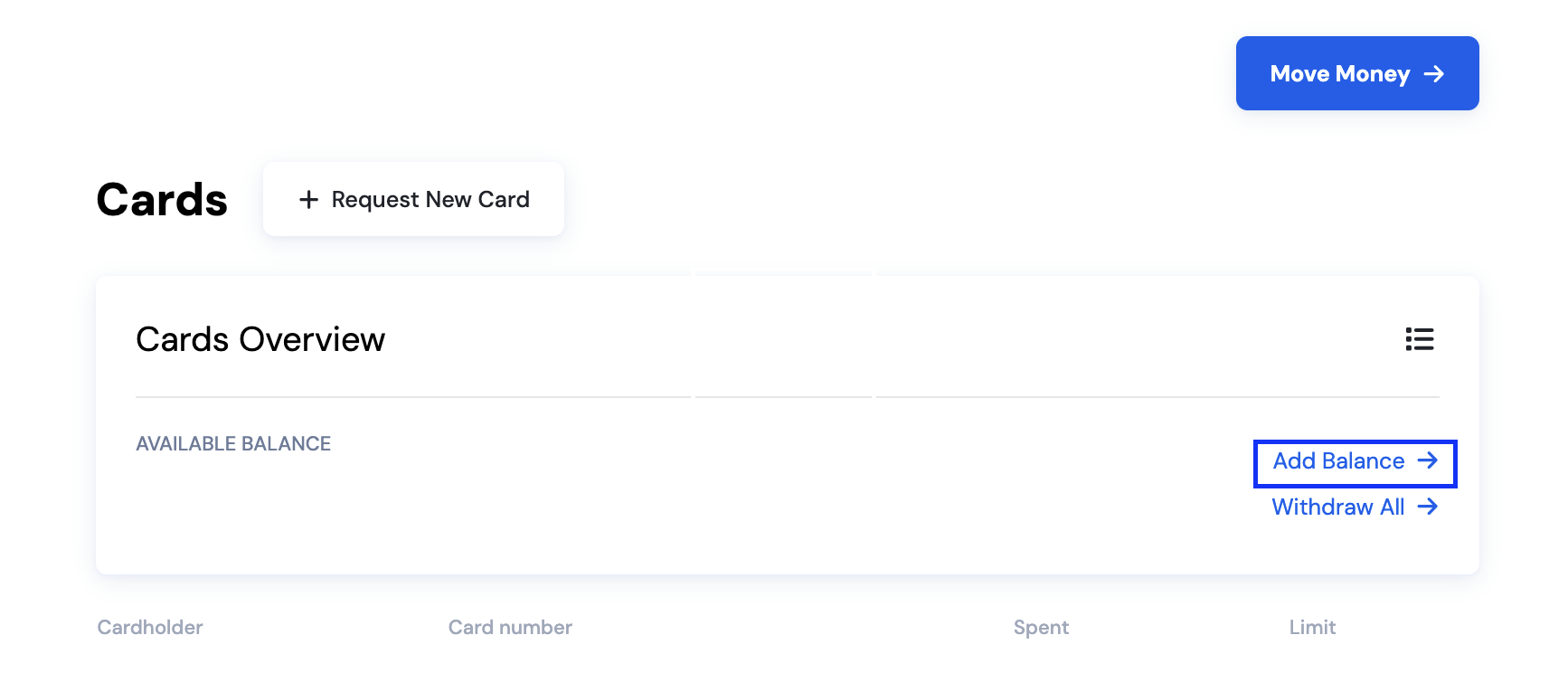
In the Cards Dashboard, click "Add balance." You can add and remove funds from your card balance using your Stables Account balance.
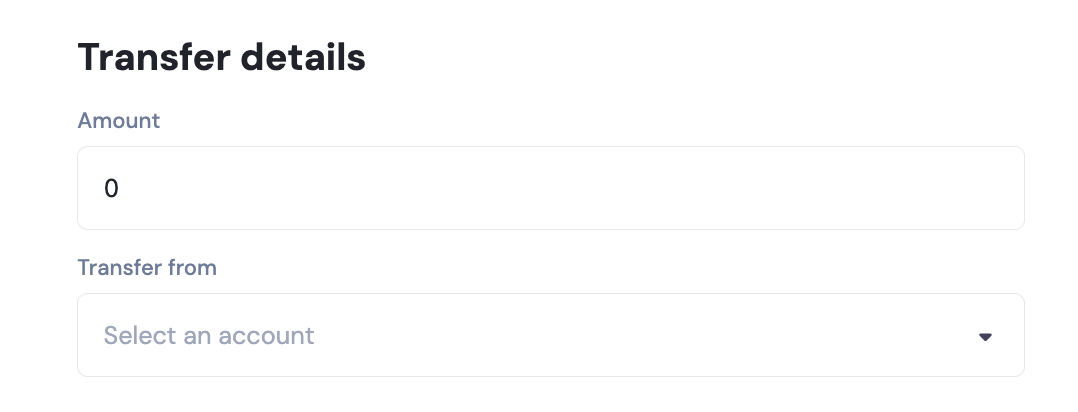
Enter the amount that you want to add to your card balance. Click Review and then Submit.