How to approve or decline a payroll request?
Last updated: June 25, 2026
Payment requesters can submit a payroll request for approval. Admins are responsible for reviewing and approving or declining those requests.
Admins can follow this step-by-step process to approve a payroll request:
👉 Read more about the Admin and the Payment Requester Roles
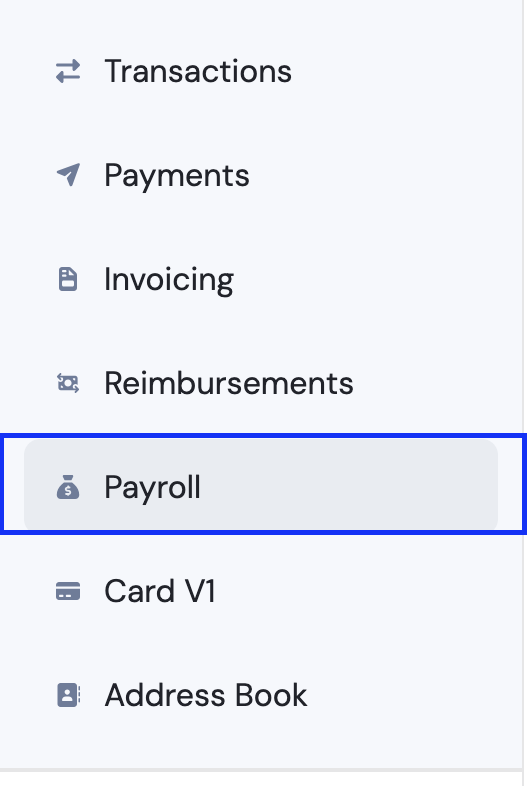
Go to the Payroll, go to Need Approval tab.
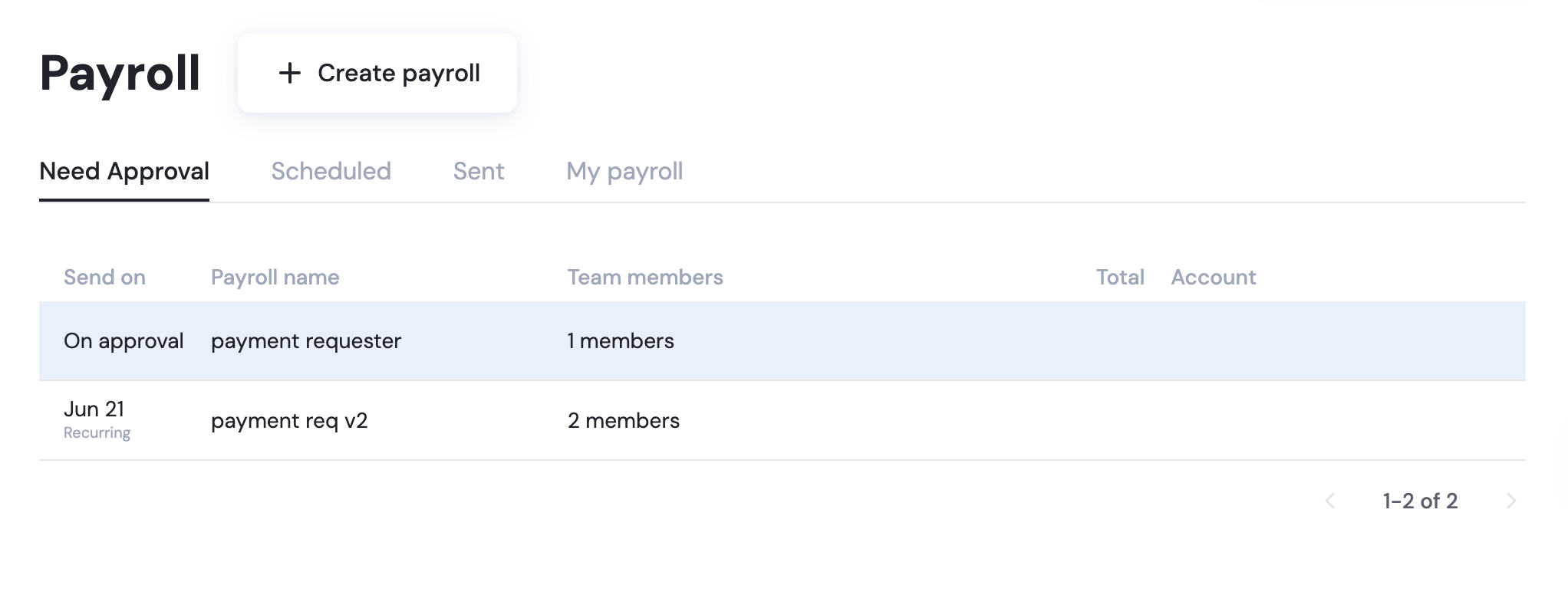
Click the payroll request you want to approve or decline.
Click Review Payroll, then choose to approve or decline the request.
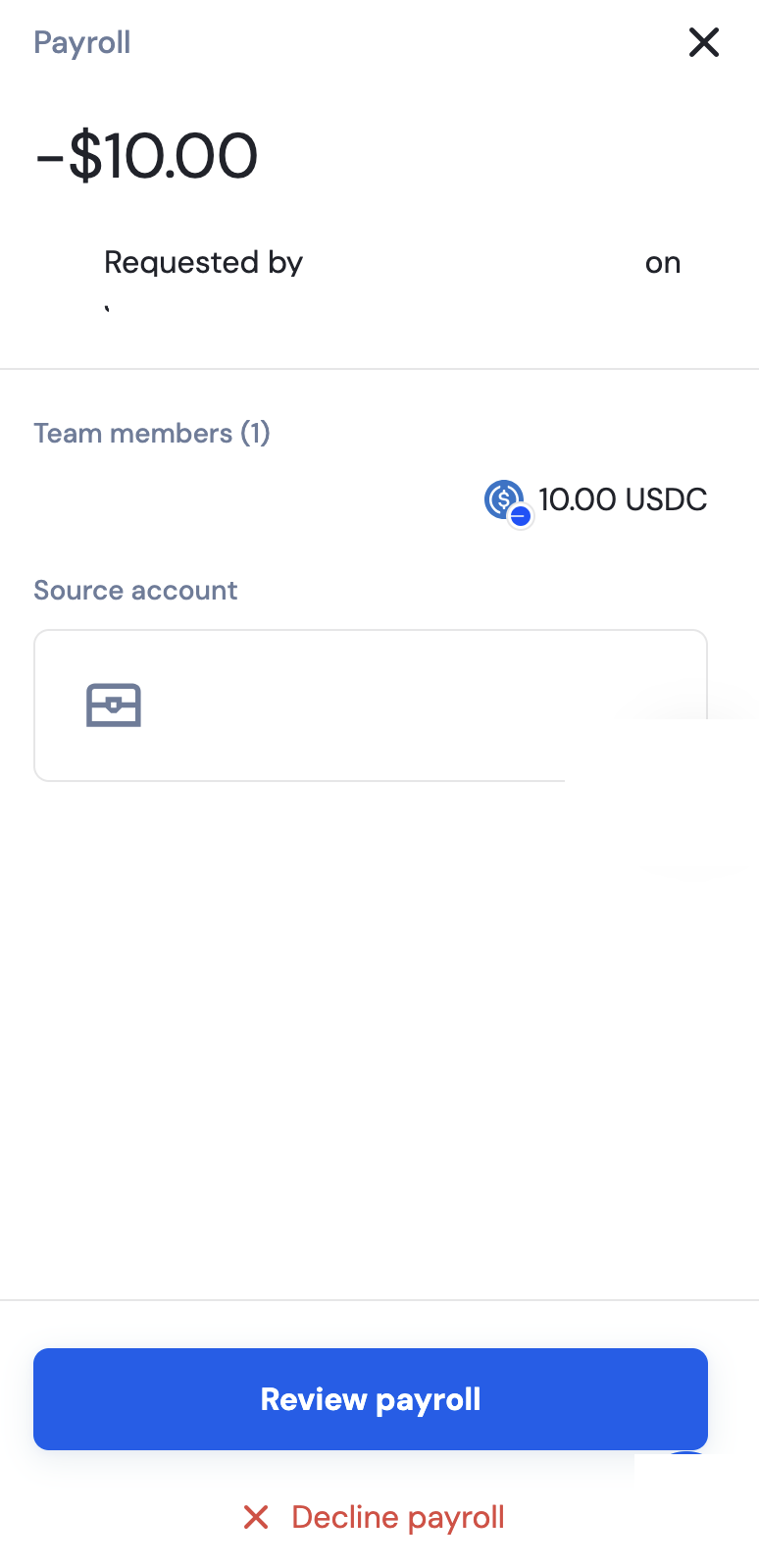
If click you click Review payroll and approve, the payment will be initiated on the scheduled time. If you click Decline payroll, it will be deleted off the payroll list in the Need Approval tab.
📄 What is Payroll, and how is it different from recurring or scheduled payments?