How to adjust my card's spending limit
Last updated: April 23, 2026
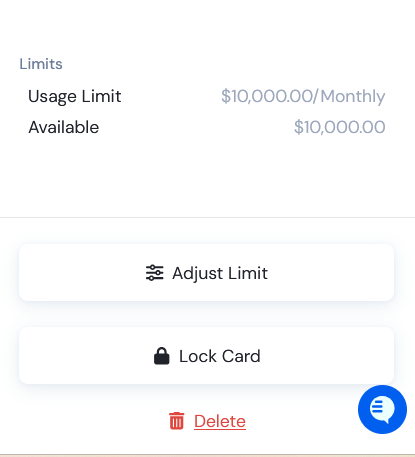
You can adjust your card’s spending limit directly from your Card Dashboard:
Select the card you want to update.
A screen will slide in from the right — click “Adjust Limit.”
Choose your desired spending limit and select the reset period.
Click “Save Changes” to confirm.
Your new spending limit will apply immediately after saving.