What are the different user roles and their permissions?
Last updated: April 27, 2026
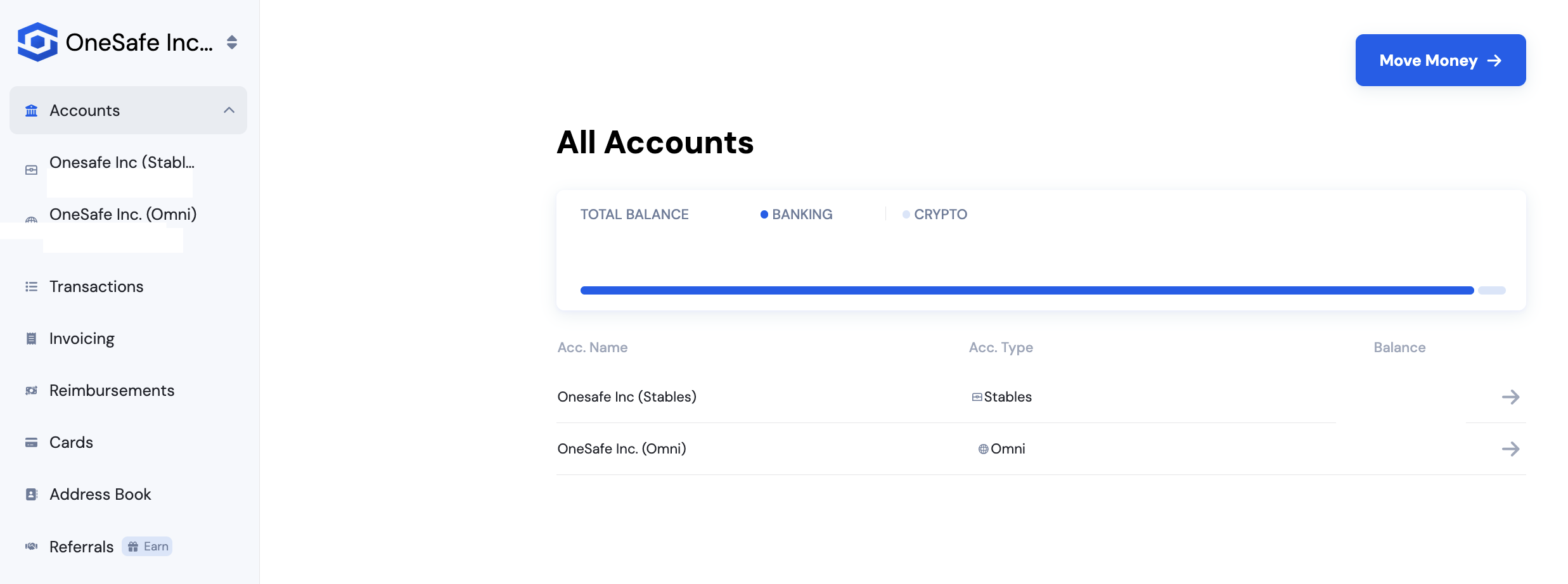
There are three user roles available in your account, each with different levels of access:
1. Admin
Has full access to the account, including:
Managing users
Sending payments
Creating invoices
Issuing cards
Viewing all account activity
Approving or denying reimbursement
Approving or denying payment requests
2. Team Member
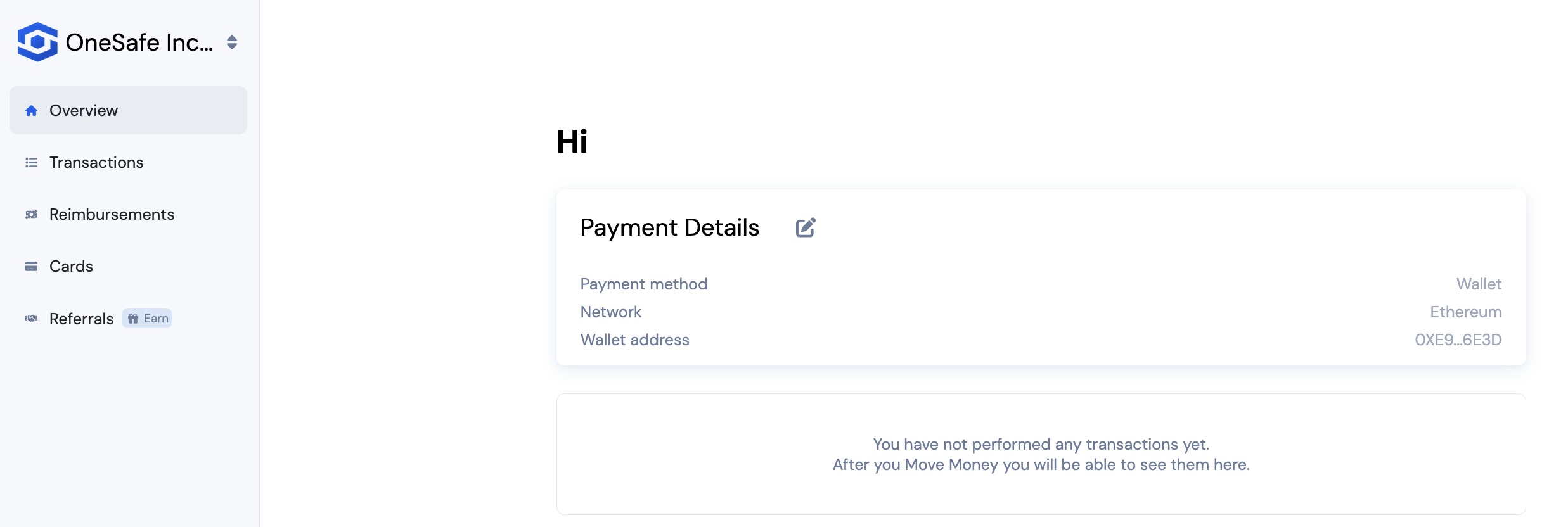
Has limited access and can only:
View their own card balance, transactions, and card details
Add their personal deposit details in the address book
Request Reimbursements
3. Bookkeeper
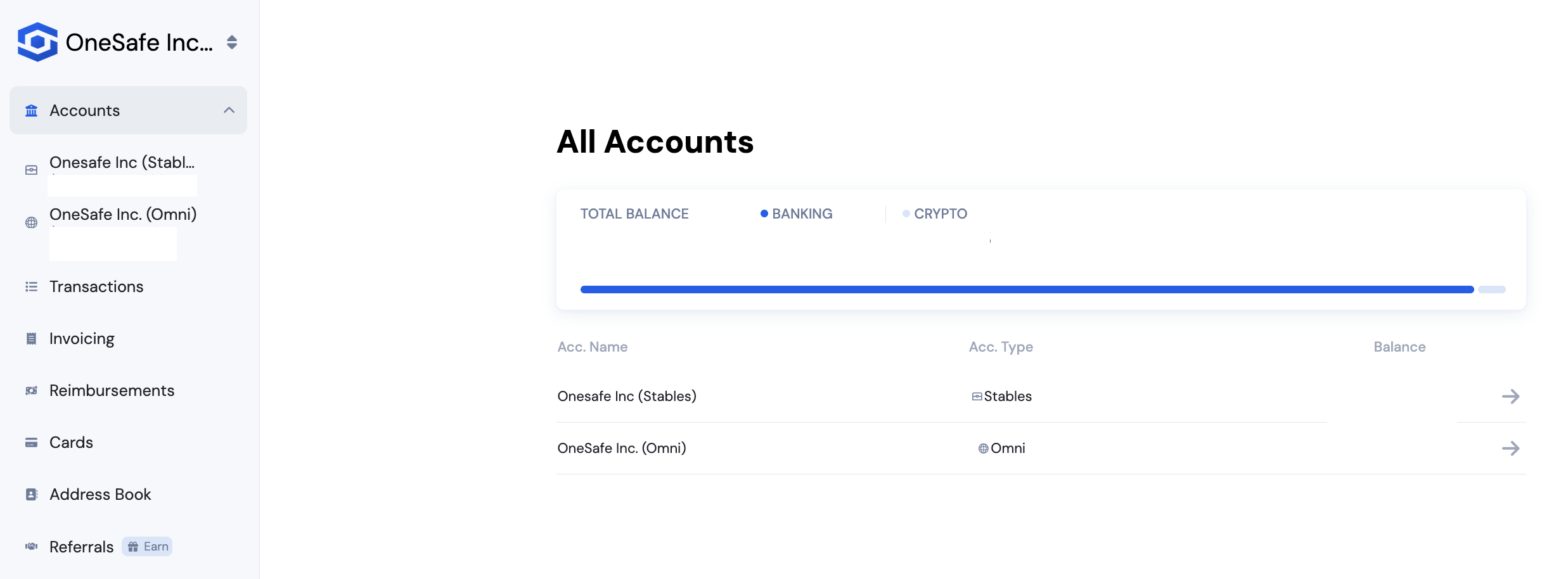
Has view-only access and can:
View all account information
Cannot perform any actions such as sending payments, creating invoices, or issuing cards
4. Payment Requester
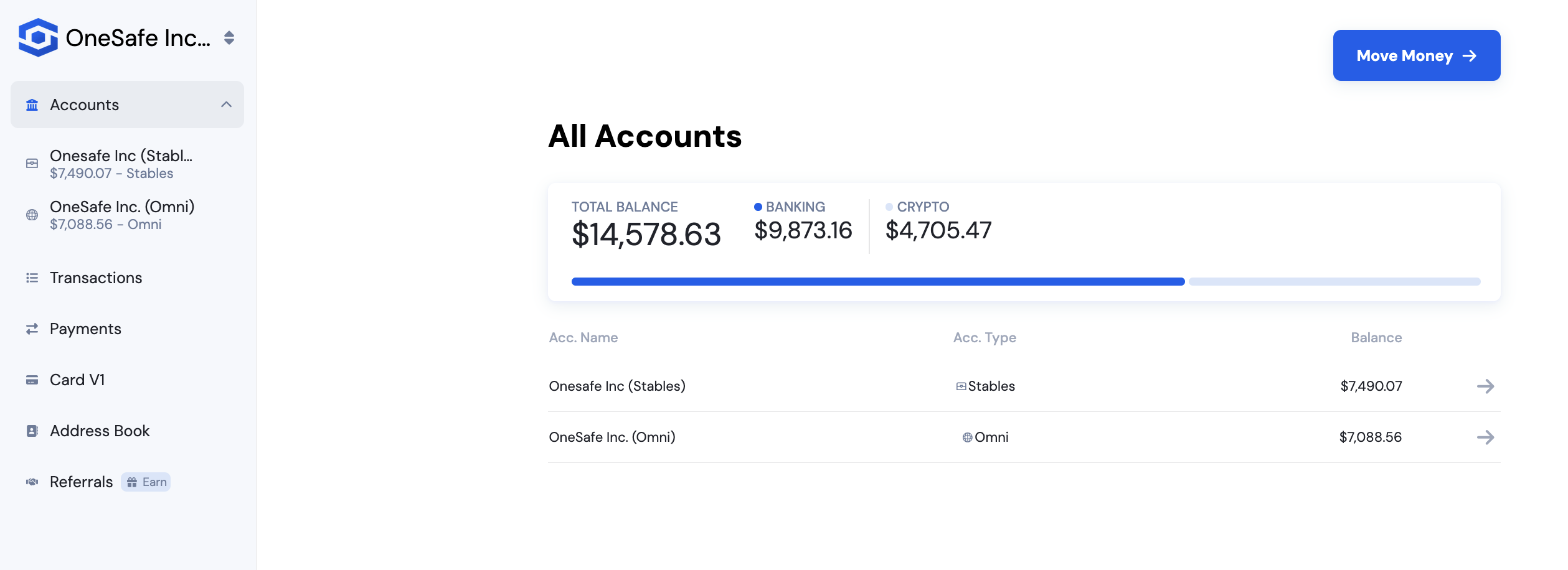
Has limited access and can only:
Create payment requests
Download docs/export csvs
Access referrals
See all fiat and card transactions
Create and send invoices
Payment Requester and Team Member roles support an approval workflow so teams can separate requesting and approving actions, reduce risk, and tailor permissions more precisely for security and compliance.