How do I add or change my number on my account?
Last updated: April 23, 2026
Your phone number is required to use your card. We use it to send OTPs (one-time passwords) for transaction verification.
Adding a phone number
If you don't have a verified number yet, you won't be able to complete card transactions. Here's how to add one:
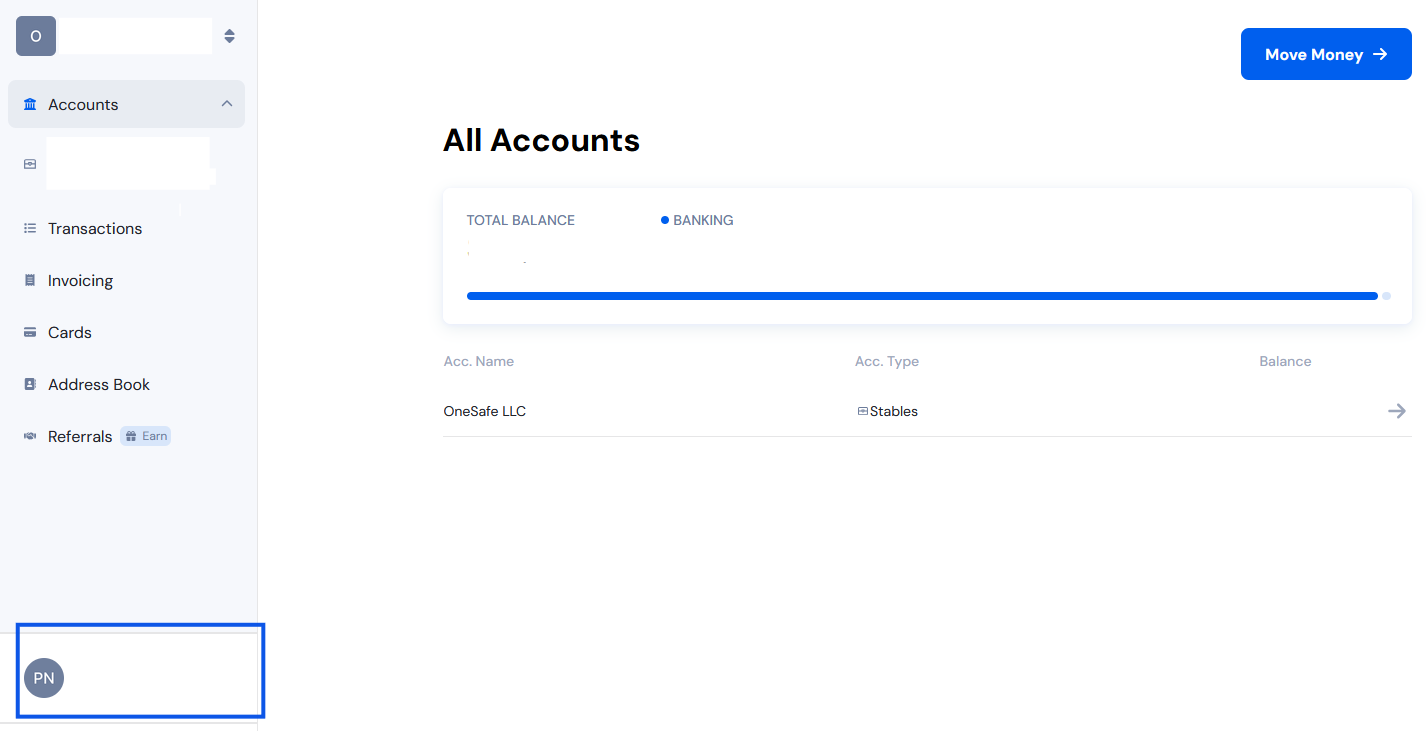
Click your name in the lower-left corner of the dashboard
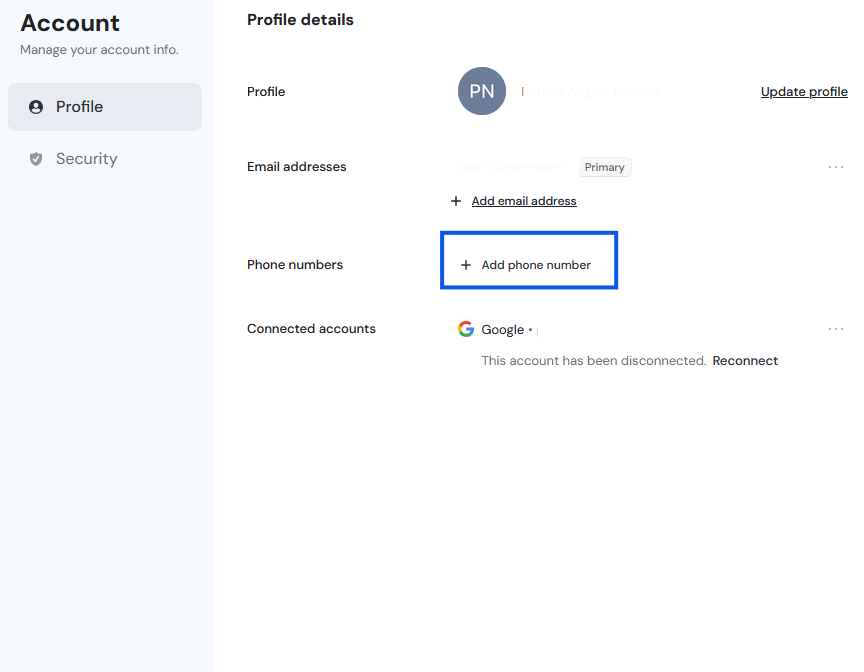
Click "Add phone number" in the panel that appears
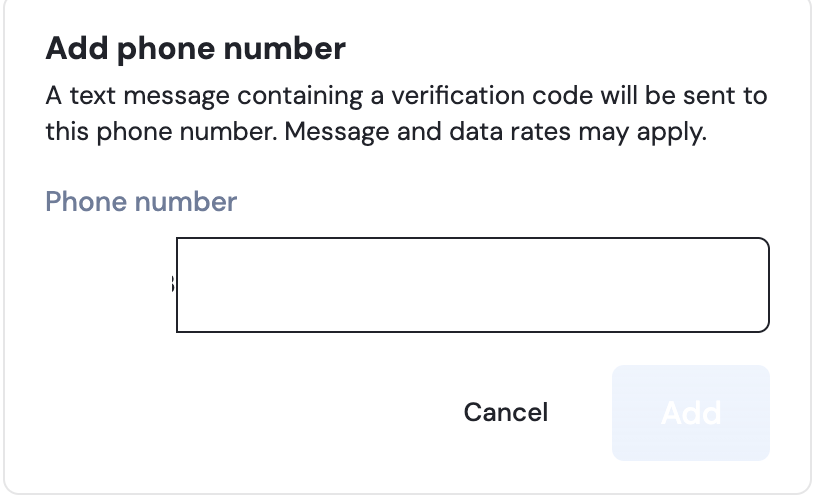
Enter your number and click "Add"
Verify your number using the verification app
Complete the phone number verification in the popup
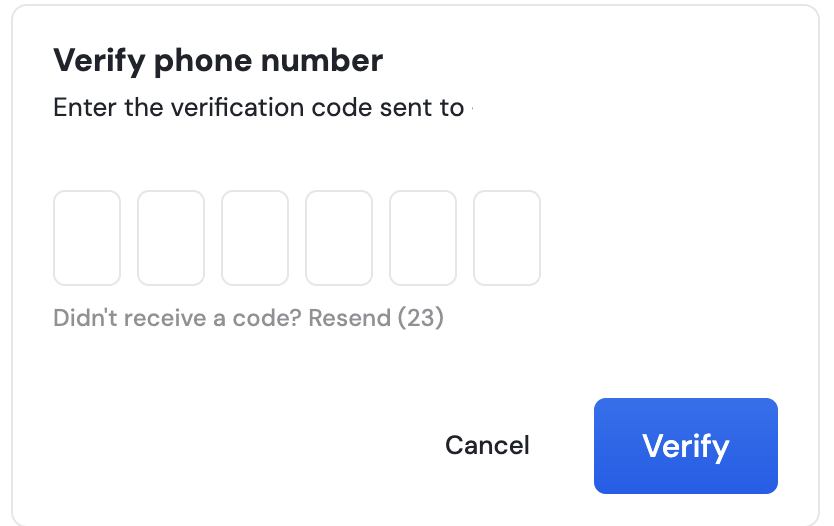
Once verified, your number will be added to your account.
Managing multiple numbers
If you have more than one number on your account:
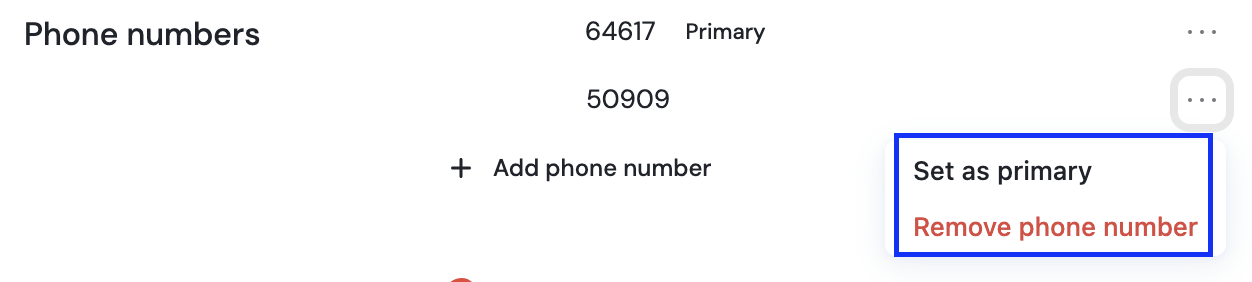
Click the three dots next to any number to set it as your primary number or remove it