How do I complete the sign up process? How do I submit an application?
Last updated: May 20, 2026
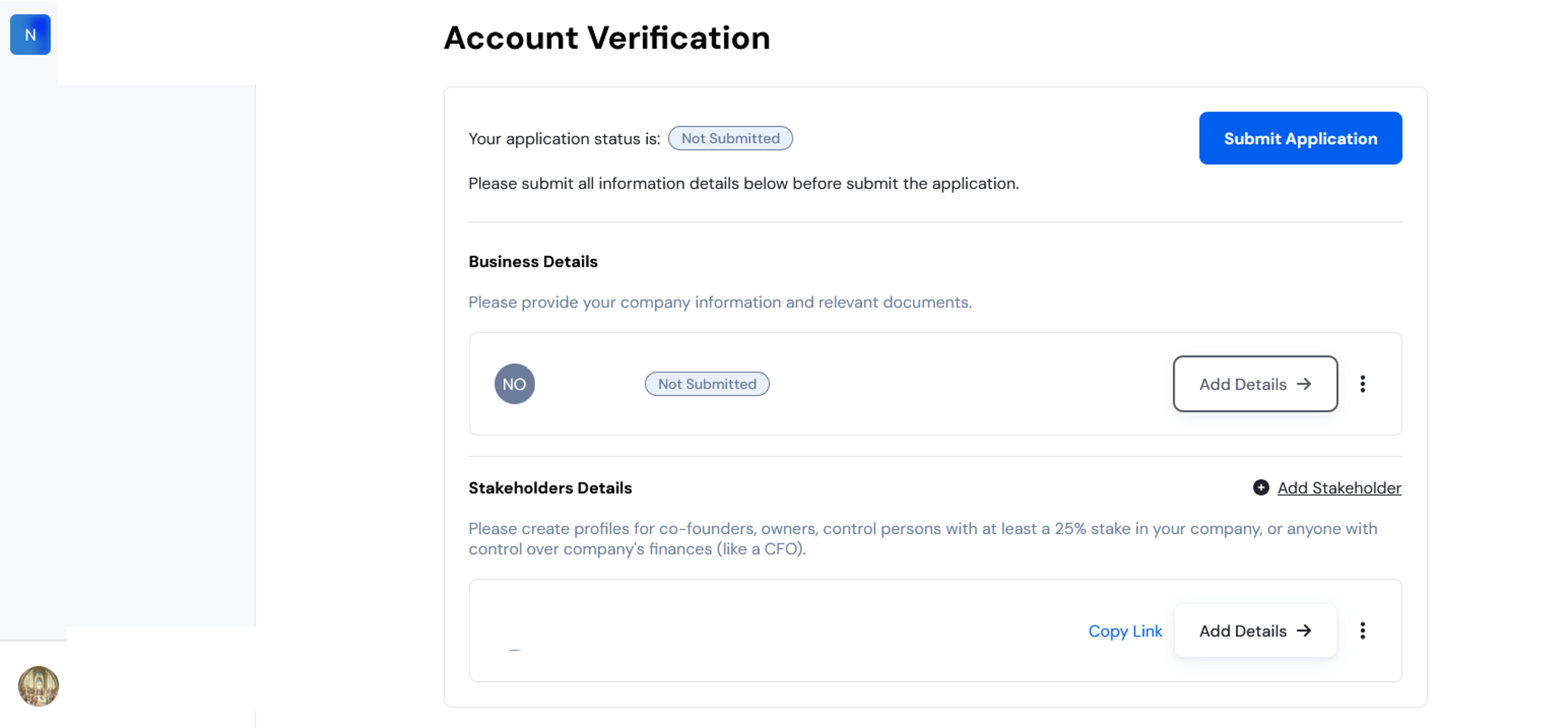
After completing the sign-up process at app.onesafe.io, you’ll see this screen:
Complete your business details
Click “Add Details” and complete the KYB form in the new window. Once it's been completed, the status for the business details show as "Under Review".
Complete the stakeholder information
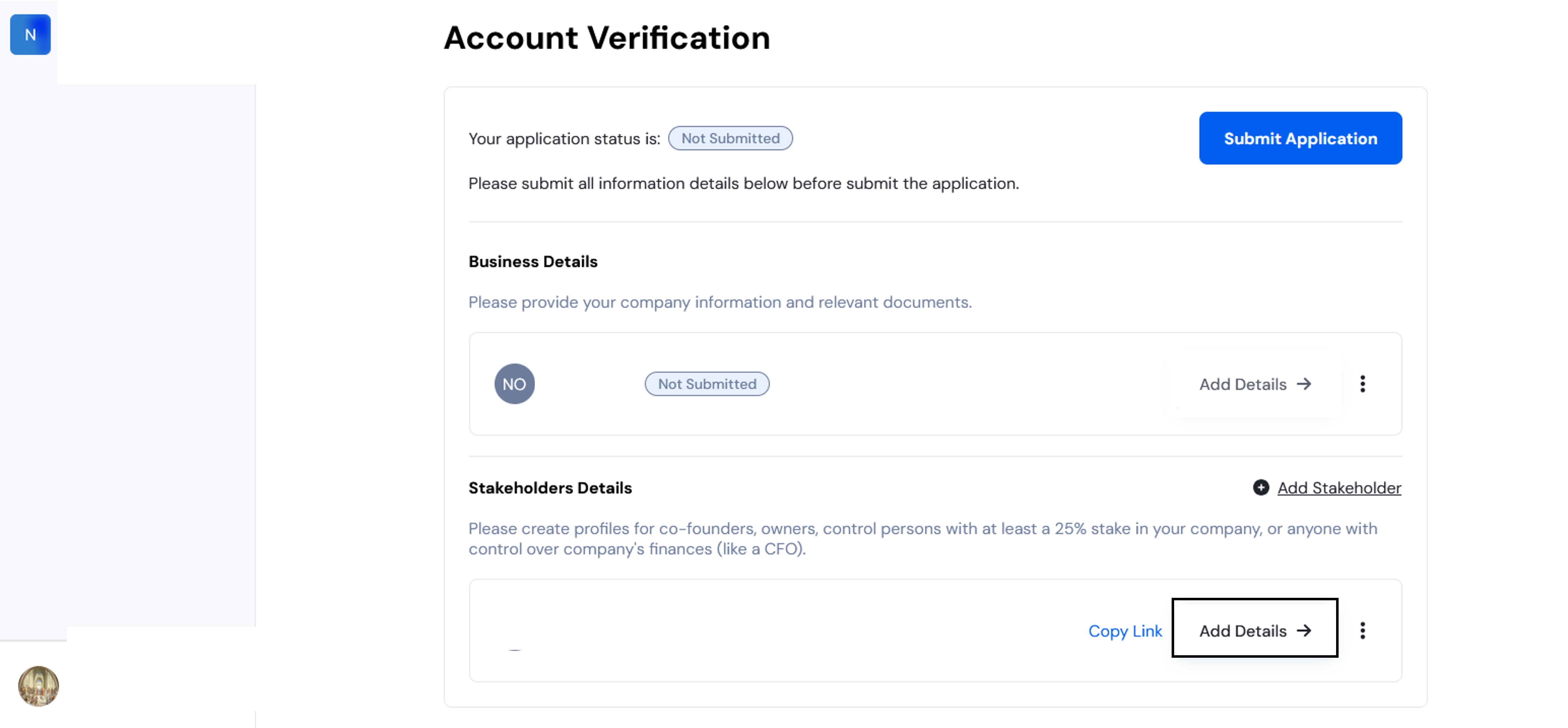
Click “Add Details” under the stakeholder section and fill in the required information.
Complete your stakeholder details
Click “Add Details” and complete the KYC form in the new window. Once it's been completed, the status for the stakeholder's details should be "Under Review".
Add additional stakeholders (if applicable)
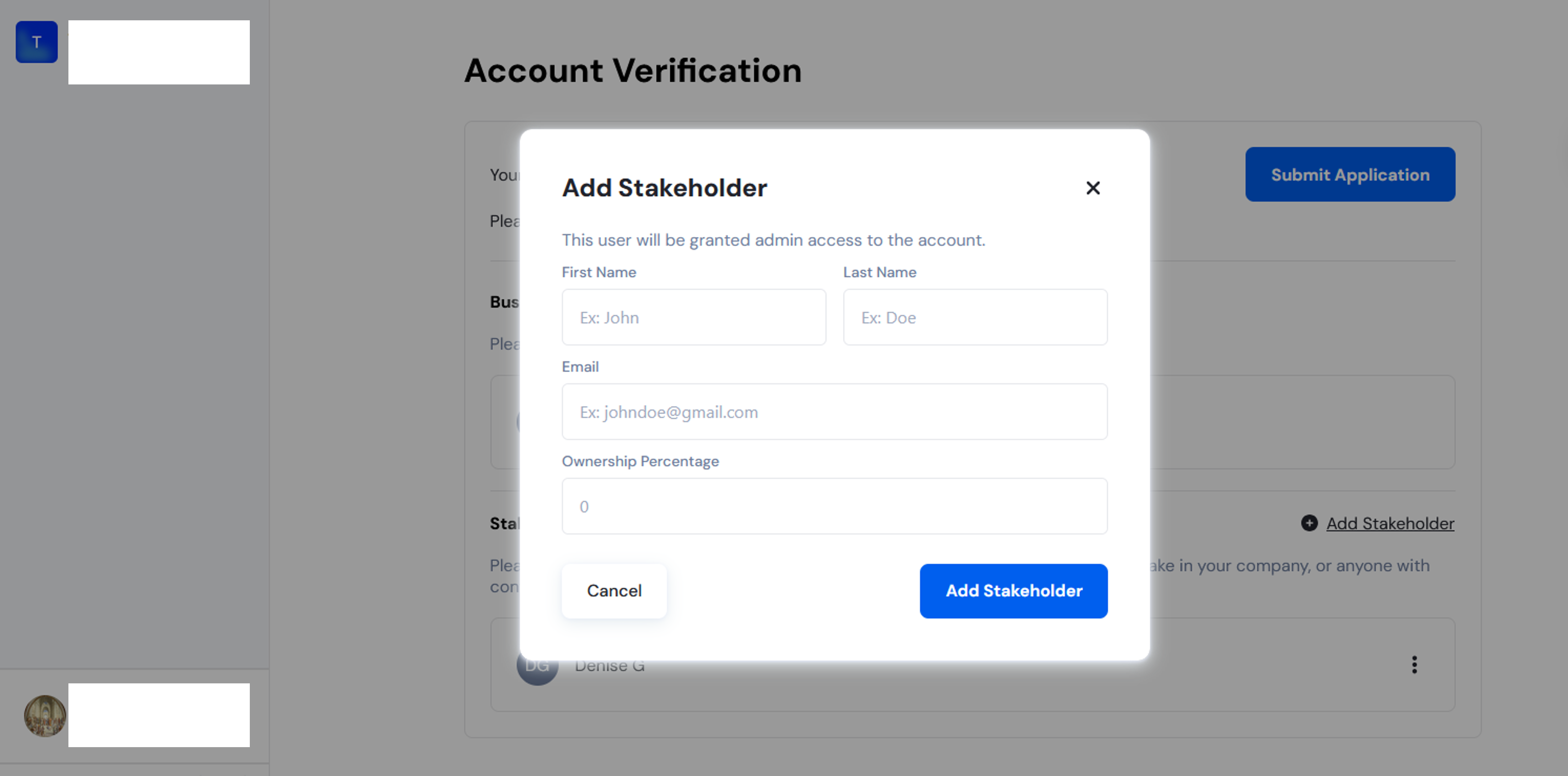
If your business has more than one stakeholder, click “Add Stakeholder”, enter their details, and complete the form as you did with Step 2 and Step 3.
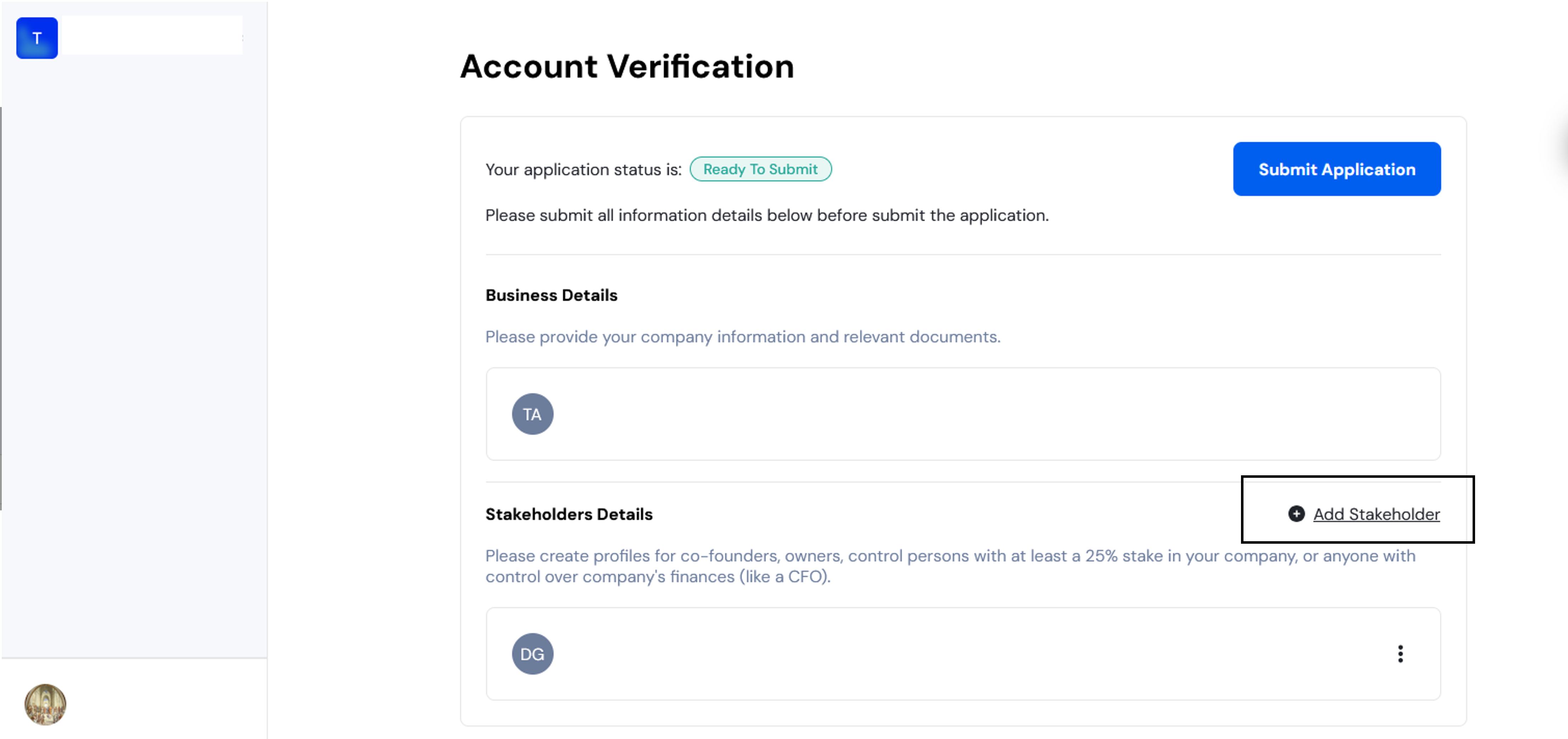
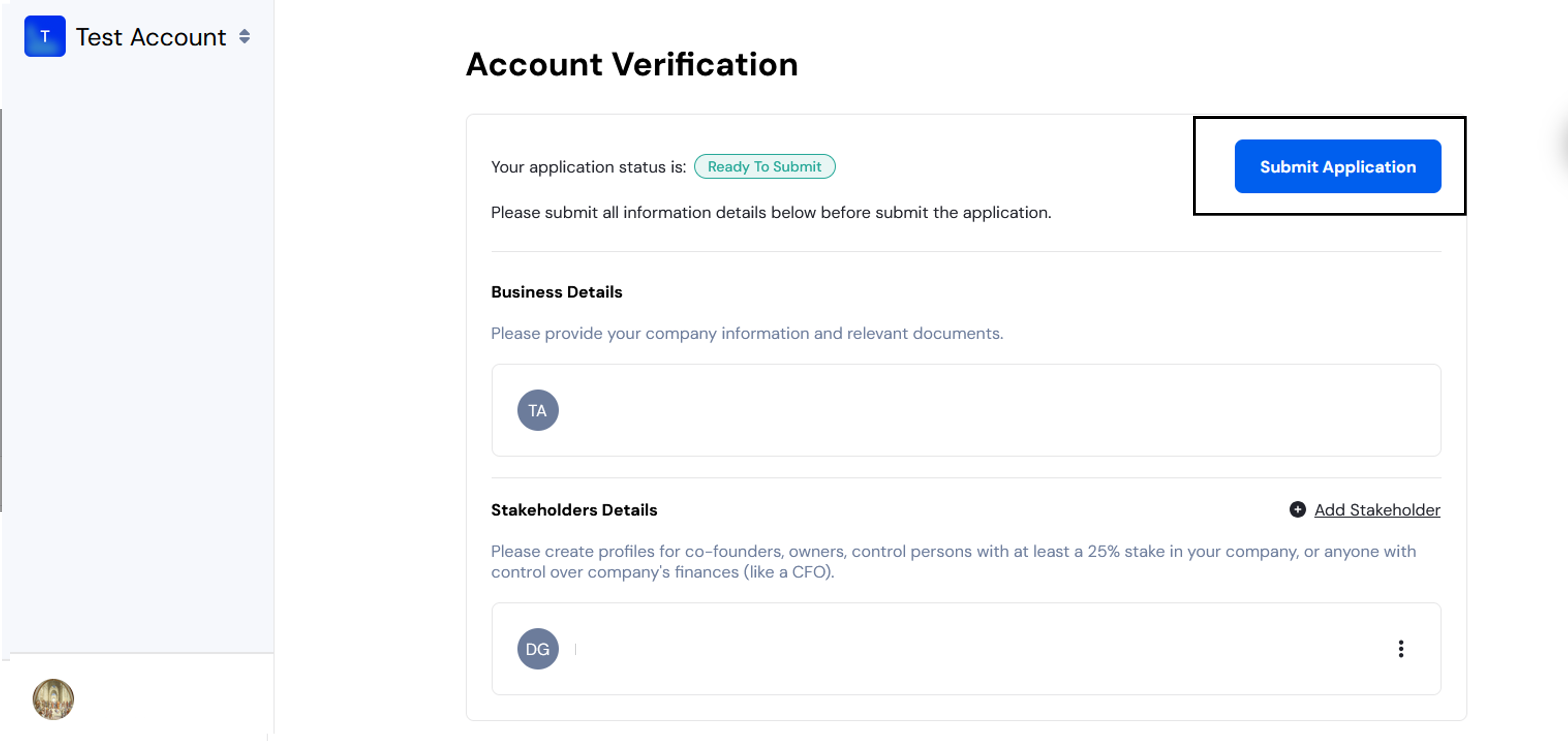
Submit your application
Once all the forms are completed, the application status should reflect as "Ready to Submit". From there, you can click “Submit Application.”
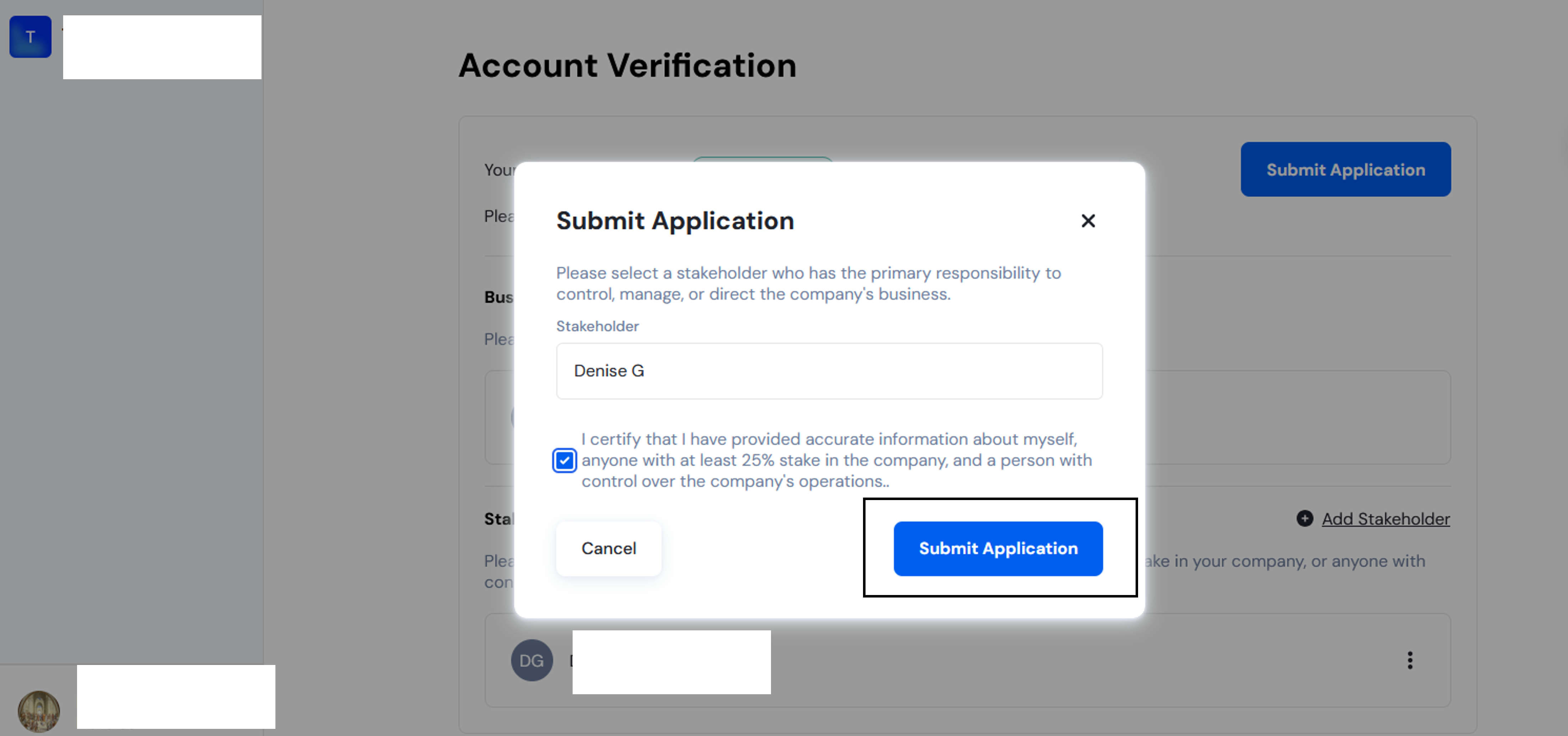
Select the primary stakeholder responsible for the business from the dropdown menu and confirm by clicking “Submit Application” in the panel that has appeared.
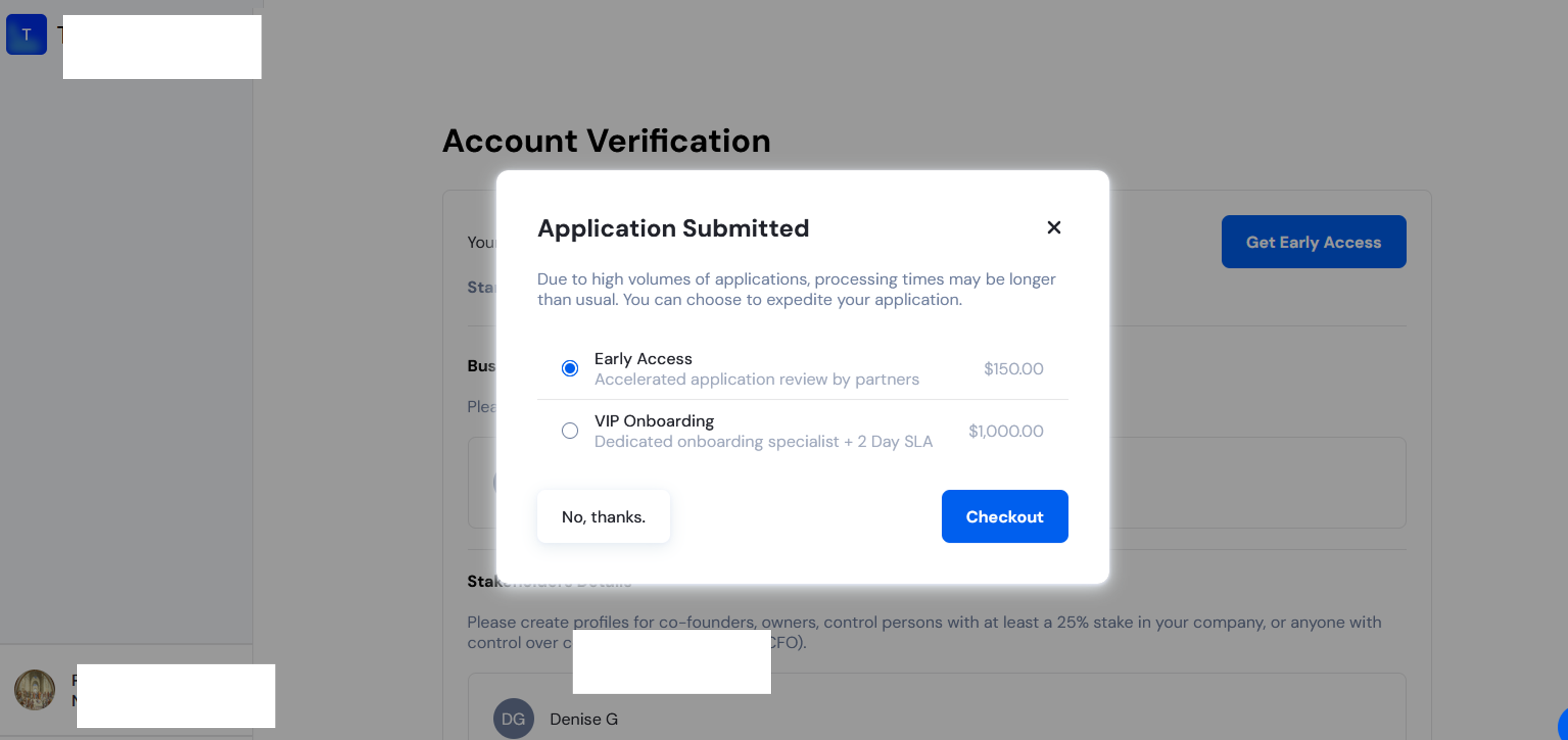
After submitting, you’ll have the option to expedite your application for faster review.
👉 What are the Priority KYB options?
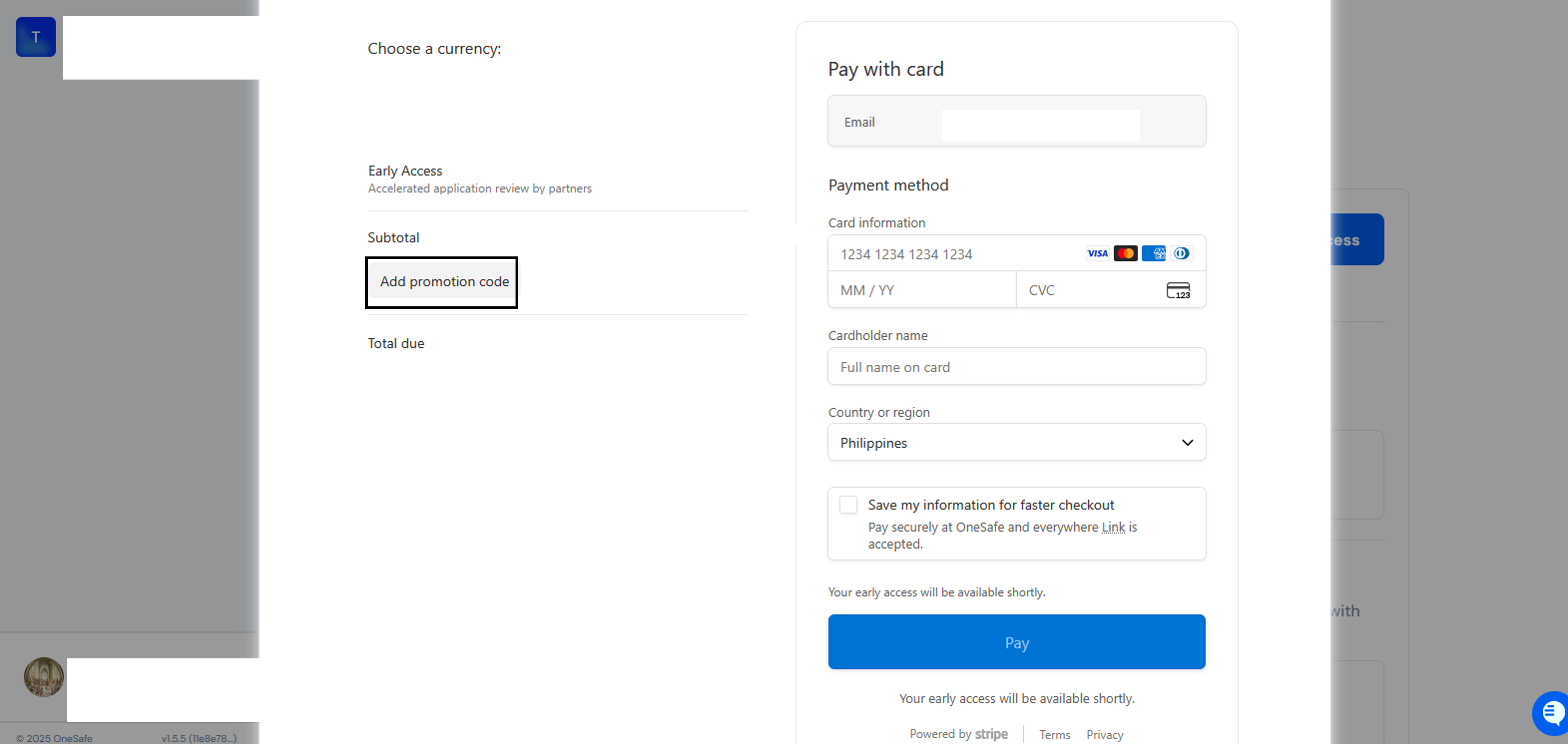
Promotional discount code
If someone has given you a promotional discount code, you can enter it in the “Use promotional code” section of the payment panel.