How do I leave an organization?
Last updated: August 21, 2026
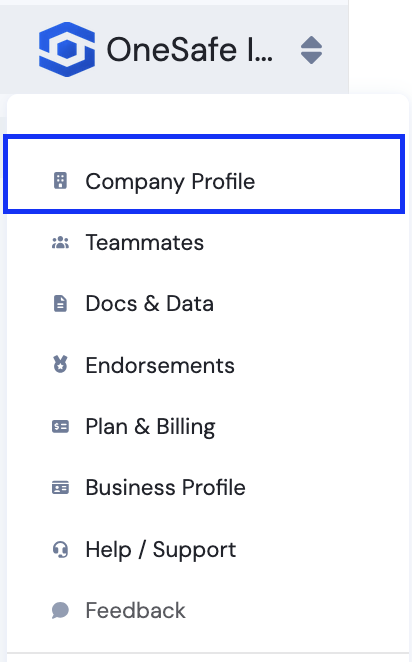
Click your company name in the top left, select Company Profile.
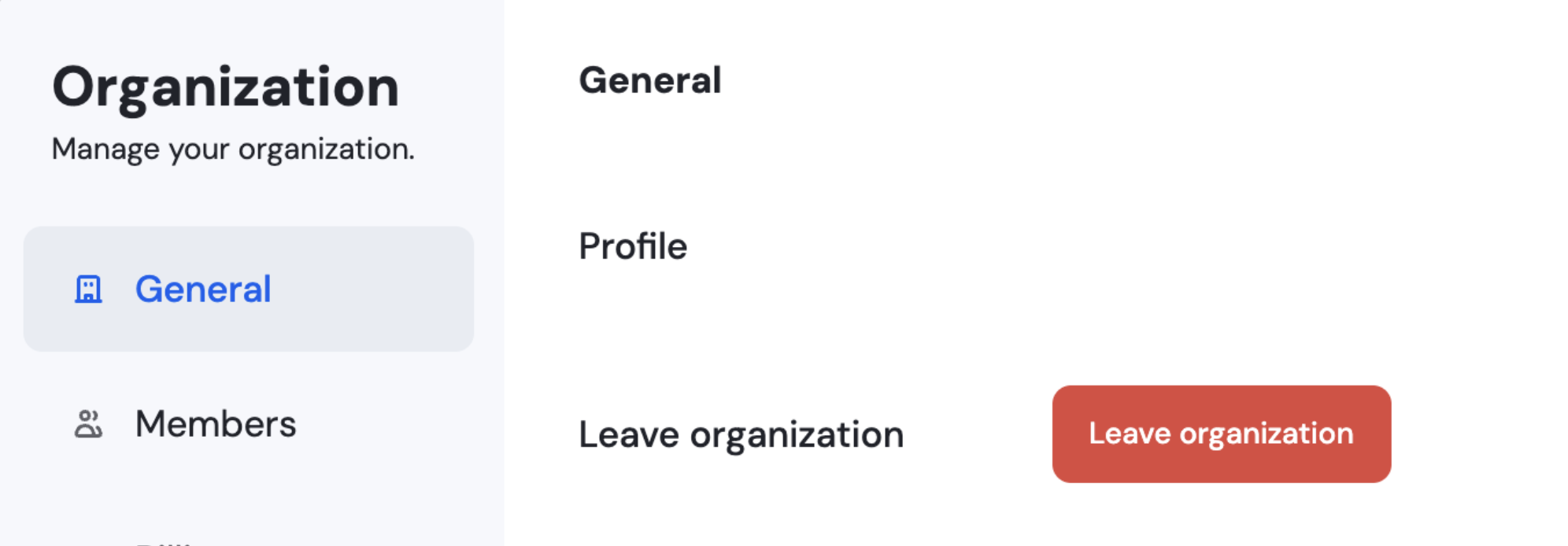
Click Leave Organization under the General tab. You'll be removed from that organization immediately, and any other members will retain access as usual.
If you're the last remaining member of the organization, you won't be able to leave on your own. Contact support@onesafe.io and our team will help remove you from the account.