How to set up Two Factor Authentication (2FA) after login or signup?
Last updated: June 2, 2026
Two-factor authentication (2FA) is required for all OneSafe users to ensure your account and your organization's funds remain secure. Here's how to set it up:
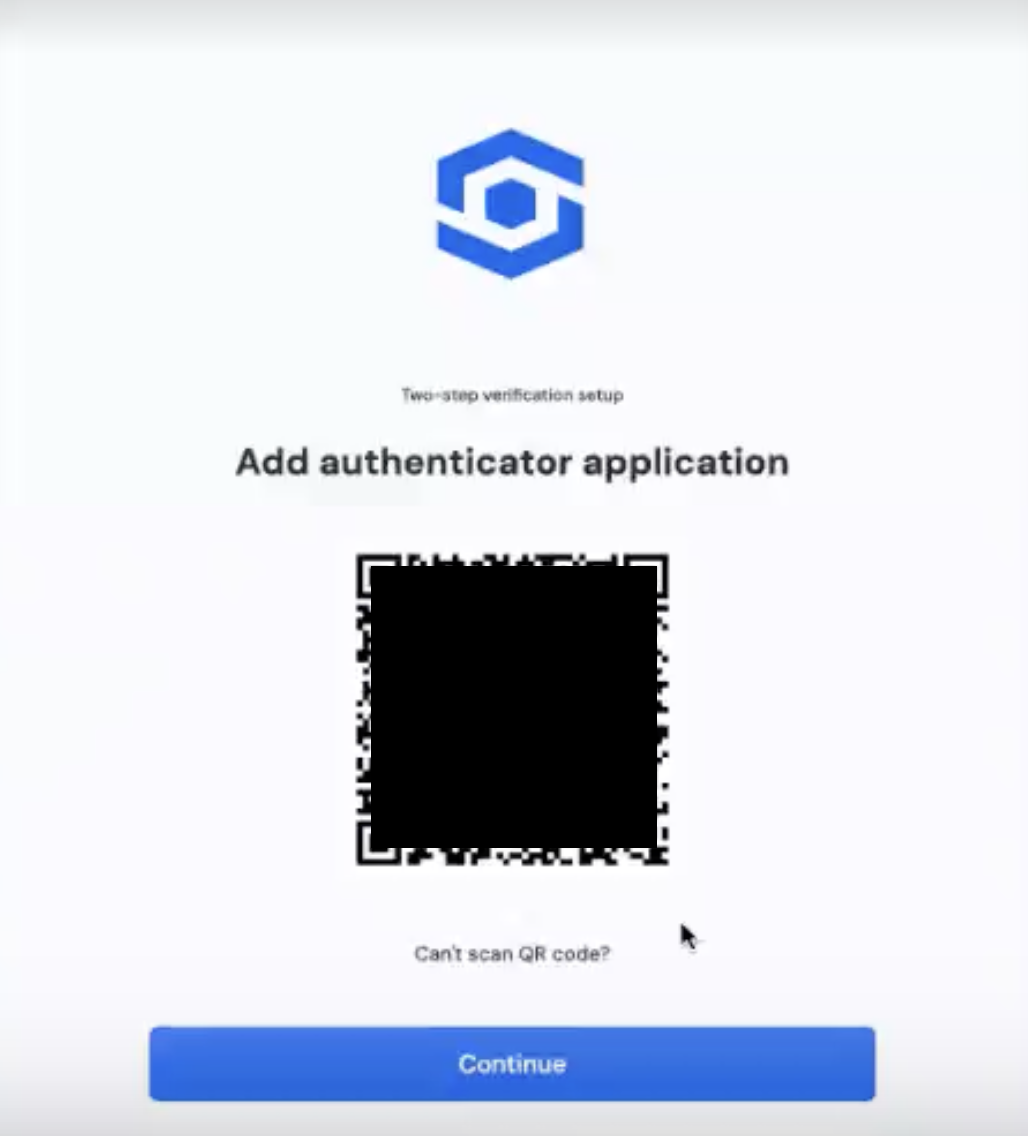
After logging in, you will be prompted to scan a QR code. Scan it with your authenticator app.
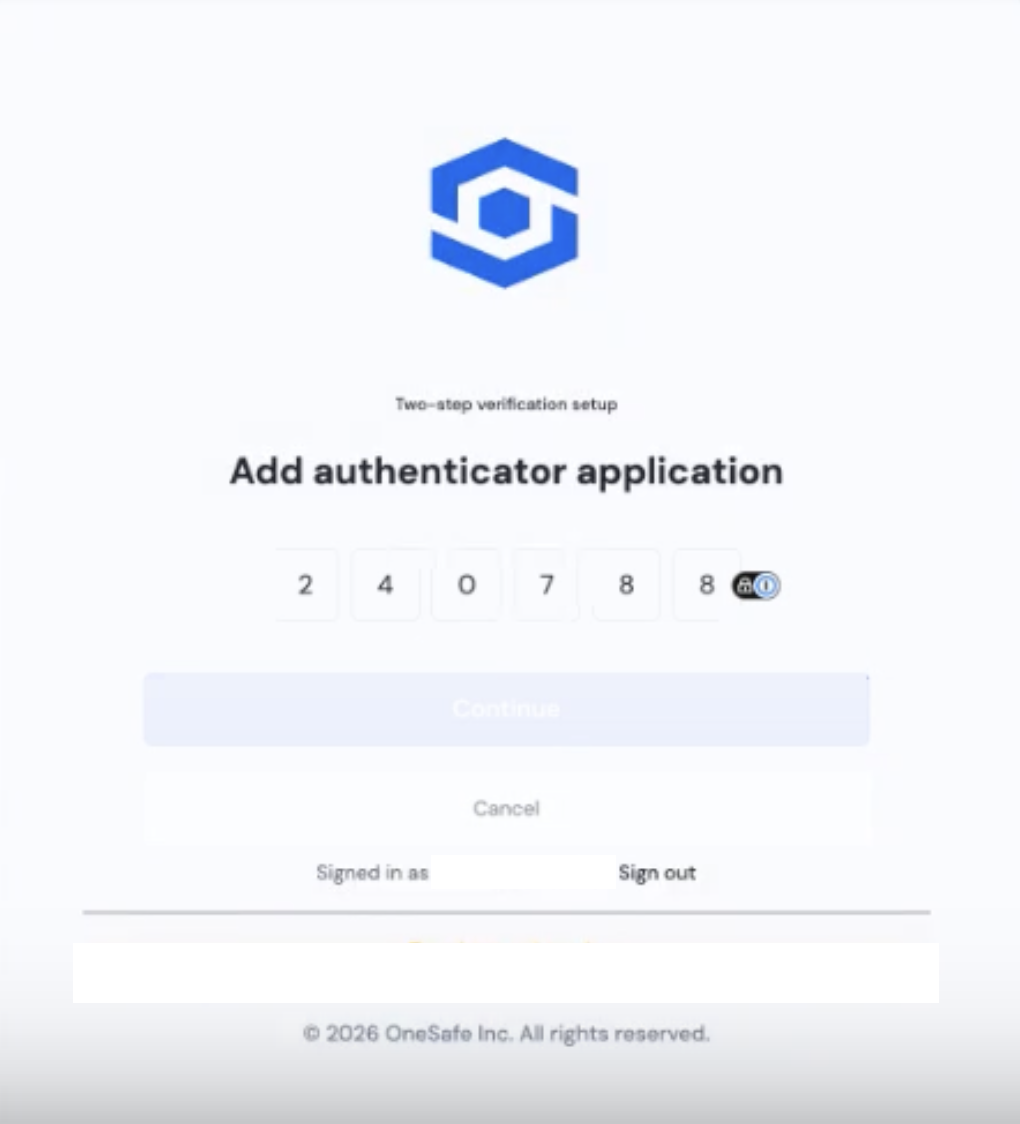
Your authenticator app will then display a six-digit code that you will need to enter in your OneSafe account.
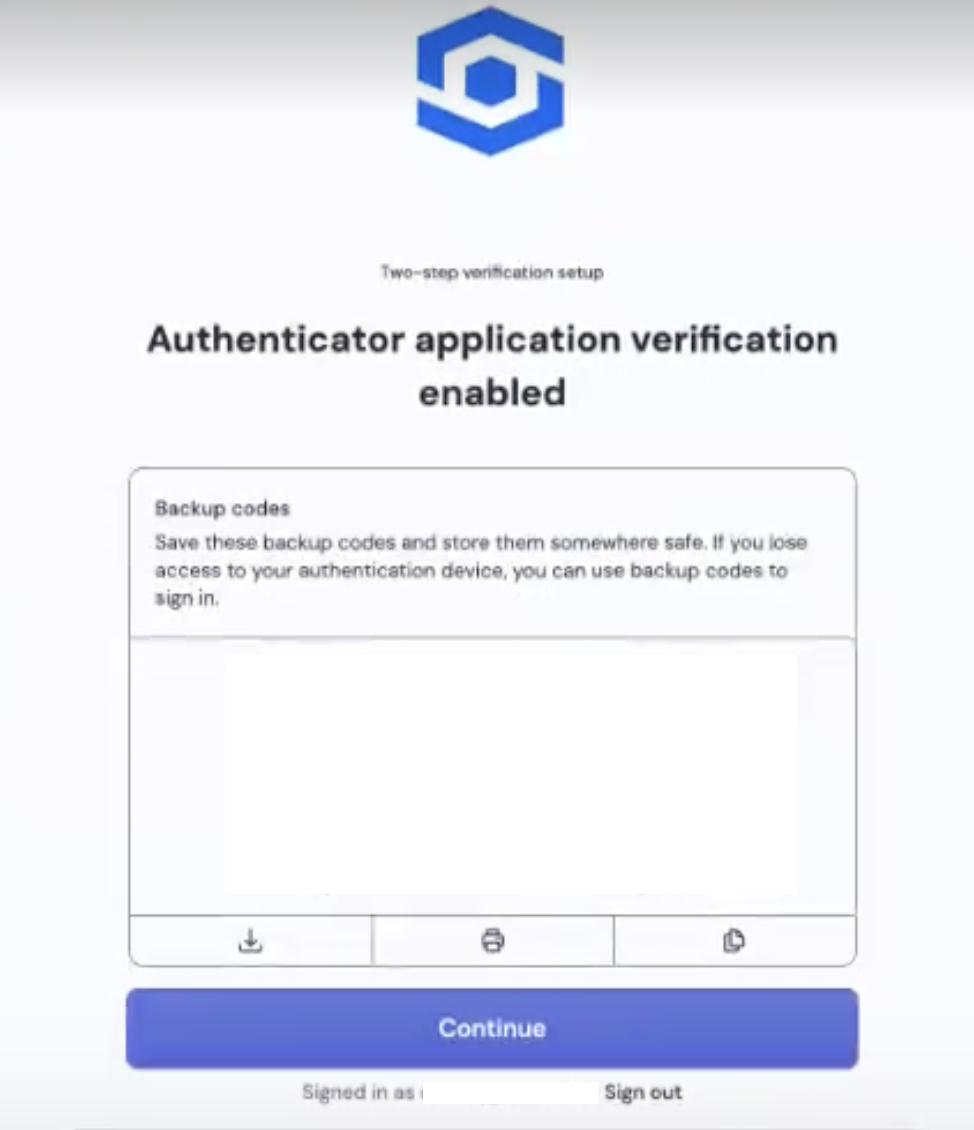
It will then display ten-digit backup codes. You can download, print, or copy them. You may use these codes in lieu of your authenticator app's code.